
If your workday feels like a constant game of catch-up, jumping between tasks, losing track of time, and ending the day wondering what you actually accomplished, time blocking might be the simplest fix you haven’t tried. This guide explains how the method works and how to start using it today.
Try the free tool: Time Blocking Planner (plan your day in blocks, print it or export it to your calendar).
It isn’t complicated. You don’t need a special app or a productivity course. You need a calendar and a willingness to decide where your hours go.
What Is Time Blocking?
Time blocking is a scheduling method where you divide your day into dedicated blocks of time, each assigned to a specific task or type of work. Instead of working from a to-do list and picking tasks as you go, you decide in advance when you’ll do what: a block for deep work in the morning, a block for email after lunch, a block for meetings in the afternoon.
The idea became popular among knowledge workers after Cal Newport wrote about it in Deep Work, but planning the day in blocks is much older. Benjamin Franklin described a fixed daily schedule in his autobiography. The scale varies, but the principle doesn’t.
Why Time Blocking Works, Especially for Remote Workers
When you work from home, the boundaries between work and everything else fade. There’s no commute to signal the start of the day, no office noise to anchor you, and no colleague walking by to remind you it’s 3 p.m. and the report isn’t done.
Time blocking creates structure where there is none. It gives your brain a clear answer to the question it asks constantly: what should I be doing right now? Without that answer, you default to whatever feels easiest, usually email, chat, or scrolling.
Three ideas explain why it helps:
- Multitasking is costly. The American Psychological Association notes that switching between tasks carries a time cost, and it can add up to a large share of productive time. Blocks push you toward single-tasking.
- Decisions wear you down. When you pre-decide your schedule, you remove many small choices throughout the day.
- Context switching is expensive. Researchers such as Gloria Mark have found that returning to a task after an interruption often takes many minutes. Blocks reduce how often you switch. We explain more in our guide to attention residue.
A Step-by-Step Guide for Beginners
You don’t need to overhaul your life on day one. Start small, build the habit, then refine.
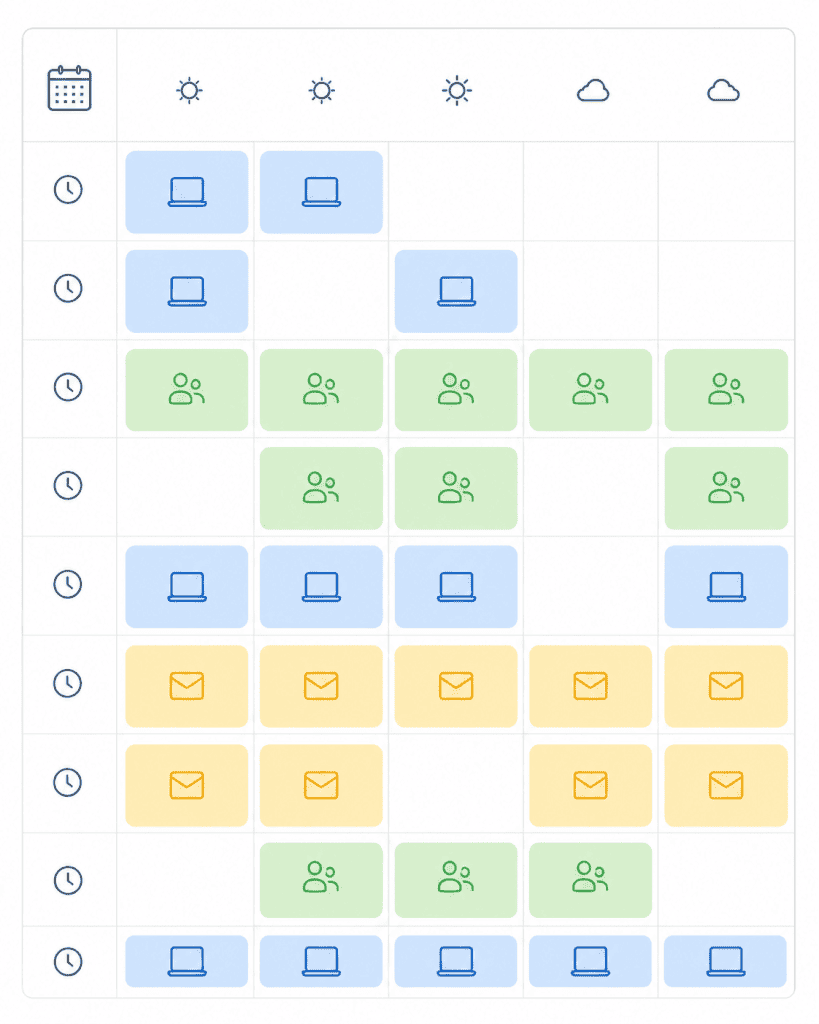
Step 1: Audit your current week
Before you start blocking, spend one day observing how you actually spend your time, not how you think you do. Track every activity in 30-minute increments for one workday. Many people are surprised: hours in low-value meetings, two-hour email spirals, and afternoons lost to reactive work. This audit is your baseline. Skipping it is a common reason the first week feels frustrating. For a fuller method, see our guide to the time audit.
Step 2: Identify your most important tasks
Separate your work into two categories:
- Deep work: tasks that need sustained concentration and create real value, such as writing, coding, strategy, creative work, and analysis.
- Shallow work: necessary tasks that don’t need deep focus, such as email, scheduling, admin, and quick replies.
Deep work should get your best hours. For many people that’s the first two or three hours of the morning, before the day generates friction. For a complete guide, read how to enter a deep work state.
Step 3: Build your ideal week template
Open your calendar (Google Calendar, Outlook, or paper) and create a template for a typical week. Don’t schedule every minute. Start with the big blocks:
- Morning deep work block: 9 a.m. to 12 p.m., or whatever your peak energy window is
- Communication block: 12 p.m. to 1 p.m. for email and messages
- Meetings block: 2 p.m. to 4 p.m.
- Admin block: 4 p.m. to 5 p.m. for shallow tasks
This is a template, not a rigid law. Real life interrupts, and the template gives you something to return to. If you want more templates built around meeting-heavy weeks, see our deep work schedule guide.
Step 4: Schedule your blocks the night before
Every evening, spend 10 minutes reviewing the next day and adapt your template to tomorrow’s reality. What’s the single most important thing to accomplish? That gets the first block. What meetings are already booked? Block them in. What gaps remain? Fill them on purpose. This nightly ritual is the habit that makes time blocking work. Without it, the system tends to fall apart by Tuesday.
Step 5: Protect your blocks like appointments
Here’s where many people fail. They build a good schedule and let it collapse when something comes up. A time block is an appointment with your most important work. Treat it like a meeting with your manager:
- Close email and Slack during deep work blocks
- Let calls go to voicemail
- Tell colleagues you’re unavailable until a set time
- Stop when the block ends
Overrunning your blocks is how the whole system unravels. Staying focused inside them is a separate challenge; read how to stop getting distracted while working from home.
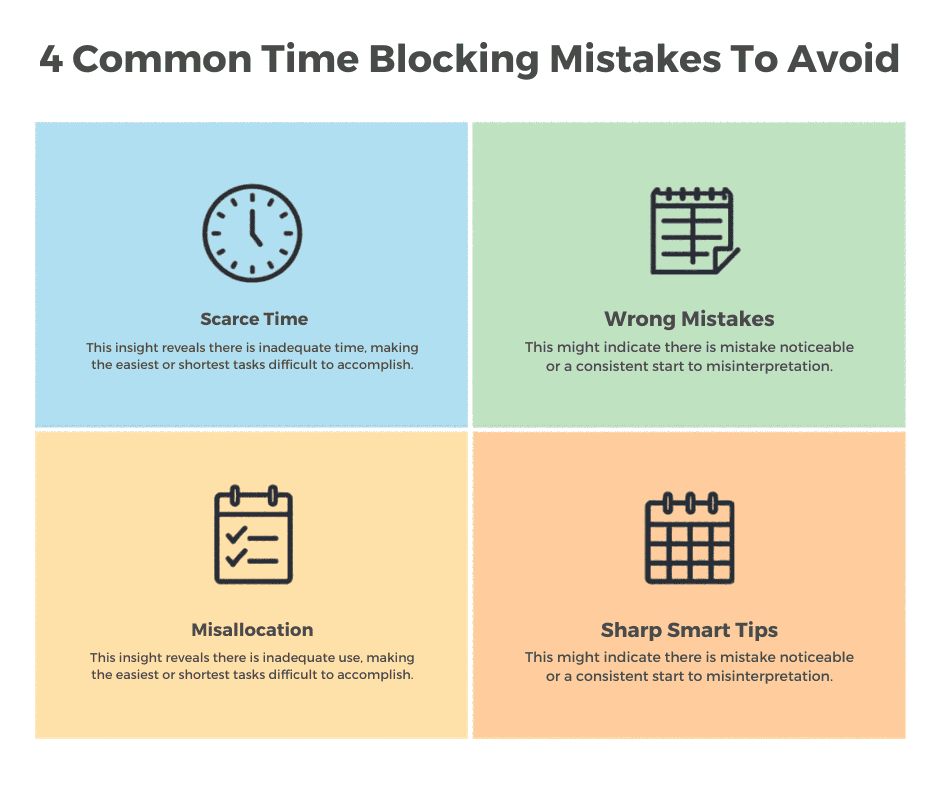
Common Time Blocking Mistakes (And How to Avoid Them)
Scheduling too tight
Zero buffer between blocks is a recipe for frustration. Tasks run long and life interrupts. If your 10 a.m. block runs until 10:47 and the next starts at 10:45, you’re already behind. Fix: add 15-minute buffers between major tasks. If they go unused, treat them as bonus time.
Ignoring your energy levels
Scheduling your hardest creative work at 4 p.m., when your brain is running on fumes, isn’t time blocking. It’s optimism. Fix: match tasks to energy. Difficult, focused work goes in your high-energy window, and routine tasks fill the low-energy slots.
Making the blocks too vague
“Work on project” is a to-do item dressed up as a schedule. Fix: be specific. “Write first draft of Q3 report introduction” is a time block, and the more specific it is, the less deciding you do when you sit down.
Trying to schedule everything
Time blocking works best for your intentional work, the tasks you choose to prioritize. It doesn’t mean scheduling every minute. Fix: leave unscheduled time. Some of your best thinking happens in the gaps.
A Sample Day (Illustrative)
| Time | Block | Type |
|---|---|---|
| 8:45 to 9:00 | Review today’s plan | Planning |
| 9:00 to 10:30 | Draft the client proposal | Deep work |
| 10:30 to 10:45 | Break and buffer | Recovery |
| 10:45 to 12:00 | Analyze the survey data | Deep work |
| 12:00 to 1:00 | Lunch away from the desk | Recovery |
| 1:00 to 1:45 | Email and messages | Shallow work |
| 2:00 to 4:00 | Meetings and calls | Collaboration |
| 4:00 to 4:45 | Admin and tomorrow’s plan | Shallow work |
This is an example, not a prescription. If your meetings land in the morning, move the deep work to the afternoon. What matters is that the most demanding work has a named block.
Time Blocking vs. Other Productivity Methods
Time blocking vs. the Pomodoro Technique: the Pomodoro Technique uses 25-minute work sprints with short breaks. It’s great for getting started on tasks you’re avoiding. Time blocking plans the whole day. They’re complementary: use Pomodoro within a deep work block.
Time blocking vs. task batching: the task batching method groups similar tasks together, such as all your emails at once. Batching is a useful subset of time blocking.
Time blocking vs. time boxing: these are often confused. Time boxing sets a fixed limit for a task and stops when time runs out, whether or not it’s done. Time blocking reserves time for a task without necessarily imposing a hard stop. Time boxing works especially well for tasks that tend to expand, an idea explored in our guide to Parkinson’s Law.
Tools for Time Blocking
You don’t need anything fancy. The best tool is the one you’ll use consistently.
Google Calendar is the default for many remote workers: free, synced everywhere, and easy to share so teammates can see your availability. Our roundup of calendar apps for remote workers covers alternatives.
Notion or Obsidian work well if you prefer a text-based daily planner alongside your calendar. A paper planner is effective for some people, because writing a schedule by hand can create commitment.
Frequently Asked Questions
How long should a time block be? Many people find 90-minute blocks work well for deep work: long enough to get absorbed, short enough to keep focus. For shallow tasks, 30 to 60 minutes is usually plenty. Experiment and adjust.
What if someone interrupts my time block? First decide whether it’s actually urgent. Most things aren’t. For genuine emergencies, handle them and reschedule the block later in the day. For everything else, “I’m focused until noon, can we connect after?” is a reasonable reply.
Do I need to time block my entire day? No. Even blocking your most important two or three hours of deep work is a significant upgrade over working reactively. Start small and expand.
Is time blocking good for creative work? Often, yes. Protect large, uninterrupted blocks for creation, and use separate blocks for feedback, revision, and communication. Mixing them can break creative flow.
How long does it take to get used to it? Many people feel a difference within a week, and a steady routine can take a few weeks to settle in. You don’t need to adopt all five steps at once.
Start Small, Start Today
Time blocking doesn’t require a perfect system, the right app, or an overhaul of how you work. It requires one decision: what is the most important thing you need to accomplish tomorrow, and when exactly will you do it? Block that time, protect it, do the work, and build from there.
About the author: Alex is a software developer who has worked remotely for three years. He started Deep Focus Daily to document the productivity systems that actually survive real remote work — not the advice written for offices that no longer exist. Learn more about Deep Focus Daily →