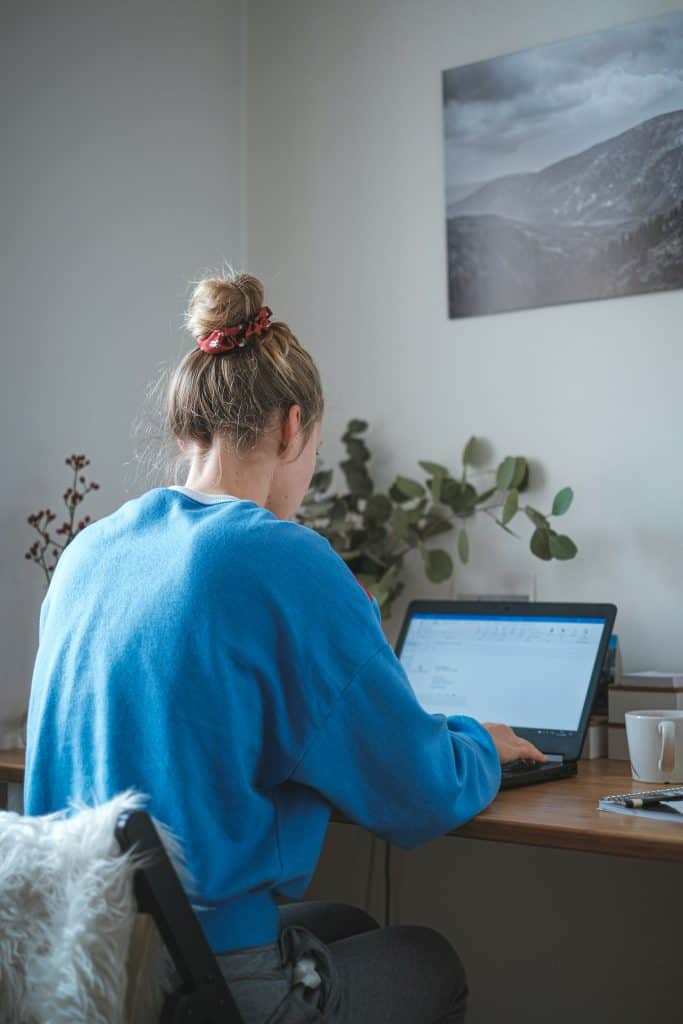
If you’ve ever sat down to work from home and somehow ended up reorganizing your kitchen cabinets, you’re not alone. Learning how to stop getting distracted while working from home is one of the biggest challenges remote workers face — and it has nothing to do with laziness or lack of motivation.
Distraction at home is an environment problem. And environment problems have environment solutions.
If you want to stop being distracted working from home for good, you need to address all three layers: your environment, your digital setup, and your mental approach.
In this guide, you’ll find 12 strategies on how to stop getting distracted while working from home — starting with your environment.
Here’s what actually works — no five-step morning routines that take two hours, no vague advice about “staying disciplined.”
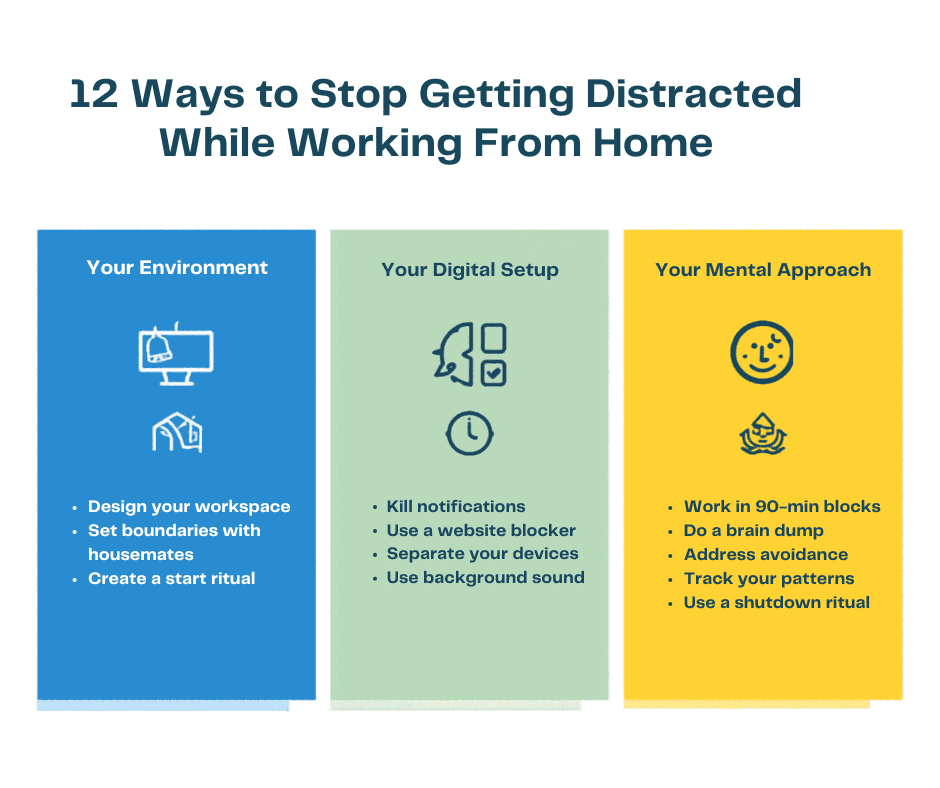
Quick Overview: 12 Ways to Stop Getting Distracted
| # | Strategy | Best For |
|---|---|---|
| 1 | Design your workspace | Everyone |
| 2 | Kill all notifications | Phone addicts |
| 3 | Use a website blocker | Heavy internet users |
| 4 | Work in 90-minute blocks | Chronic multitaskers |
| 5 | Create a start ritual | Slow starters |
| 6 | Do a brain dump first | Overthinkers |
| 7 | Set boundaries with housemates | Shared living situations |
| 8 | Separate work and personal devices | Binge watchers |
| 9 | Address emotional avoidance | Procrastinators |
| 10 | Use background sound | Noise-sensitive workers |
| 11 | Create a shutdown ritual | Work-life bleeders |
| 12 | Track your distraction patterns | Data-driven people |
Why Working From Home Makes Distraction So Much Worse
The office, for all its flaws, had one underrated feature: it created a physical and psychological boundary between work mode and everything else.
At home, that boundary doesn’t exist. Your brain is in the same space where you relax, eat, and scroll. Every room is a potential escape route. Every notification competes with your work on equal footing.
Add in the absence of social accountability — no one watching, no one noticing when you disappear for 40 minutes — and you have the perfect conditions for chronic distraction.
The good news: you can rebuild those boundaries deliberately. That’s exactly what the strategies below are designed to do.
How to Stop Getting Distracted While Working From Home
Your Environment
1. Design Your Workspace Before You Start
Your physical space is your first line of defense. If your “office” is the same couch where you watch TV, your brain will fight you every single day.
- Face a wall or window, not the TV
- Clear the surface of everything unrelated to work
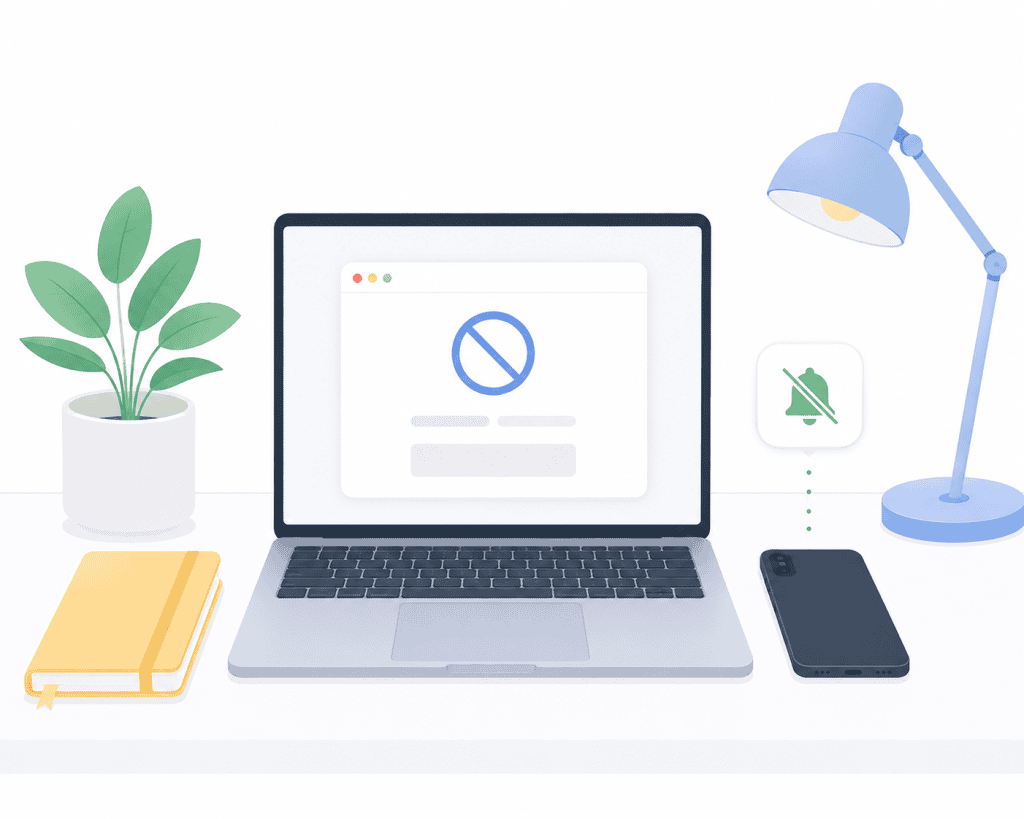
- Use visual cues: a specific lamp, a coffee mug only used while working, headphones on = work mode
2. Tell the People You Live With When You’re Working
If the people in your home don’t know when you’re in a focused block, they’ll interrupt you constantly. A simple “I’m heads down until noon” eliminates most household interruptions.
3. Create a Consistent Start Ritual
A start ritual is a short sequence of actions that signals to your brain that focused work is beginning: make coffee, put headphones on, open your task list, set a timer. Do the same sequence every morning and your brain learns the pattern.
Your Digital Setup
4. Kill Notifications — All of Them
The average person checks their phone 96 times a day. Every notification is a context switch, and every context switch costs your brain up to 20 minutes of recovery time. Phone on Do Not Disturb, Slack muted, unnecessary tabs closed.
5. Use a Website Blocker During Deep Work
Willpower is finite. Use a tool: Freedom (cross-device), Cold Turkey (aggressive, Windows), or Forest (gamified). Set the blocker before you sit down — not after you’ve already started procrastinating.
6. Separate Your Work and Personal Devices
At minimum, use a separate browser profile for work. Chrome and Firefox both support this natively. Your work profile has no personal bookmarks, no social media shortcuts, no distracting extensions.
7. Use Background Sound Strategically
Many remote workers find that consistent background sound helps them focus. Good options: Brain.fm, lofi playlists, white noise, or Coffitivity. Avoid music with lyrics for writing or reading tasks.
Your Mental Approach
8. Work in Focused 90-Minute Blocks
Your brain works in cycles of roughly 90 minutes of high focus followed by a natural dip. Work with that cycle: set a timer, work on one task only, take a real break, then repeat. See The Time Blocking Method for Beginners for how to build this into your full day.
9. Do a Brain Dump Before Each Work Block
Spend five minutes before each work block writing everything on your mind onto paper. Once captured externally, your brain can release open loops and focus on the task at hand.
10. Address the Emotional Side of Distraction
Distraction is often emotional avoidance. When a task feels overwhelming or anxiety-inducing, your brain actively looks for an escape. Ask yourself: what am I actually trying to avoid here? Naming the real reason for avoidance is usually enough to break the pattern.
11. Track Your Distraction Patterns for One Week
Note when you got distracted, what triggered it, and what time of day it happened. Most people discover the same two or three triggers appearing repeatedly — and can then design specific solutions instead of applying generic advice.
12. End Each Day With a Shutdown Ritual
A clear shutdown ritual tells your brain that work is over: review what you completed, write tomorrow’s top three priorities, close all work tabs and apps. Cal Newport calls this a “shutdown complete” phrase — it sounds odd until you try it for a week.
Frequently Asked Questions
Why is it so hard to focus when working from home? Because your home is designed for comfort and relaxation — the opposite of what your brain needs for focused work. Without physical separation between work and personal space, your brain struggles to shift into work mode.
How long does it take to build better focus habits at home? Most people notice a difference within one to two weeks of consistently applying even one strategy. Building a full system that runs on autopilot takes about 30 days.
Is working from home actually less productive than an office? Not necessarily — but it requires more deliberate design. Studies show remote workers can be significantly more productive when they control their environment.
What’s the best app to block distractions while working from home? Freedom is the best option for people who work across multiple devices. Cold Turkey is the most aggressive option for Windows users. Forest is best if you need positive reinforcement.
How do I stop checking my phone every few minutes while working? Put it in another room. Research consistently shows that even a phone sitting face-down on your desk reduces cognitive capacity. If you can’t put it in another room, use Do Not Disturb and place it in a drawer.
About the author: Alex is a software developer who has worked remotely for three years. He started Deep Focus Daily to document the productivity systems that actually survive real remote work — not the advice written for offices that no longer exist. Learn more about Deep Focus Daily →