
If your workday feels like a constant game of catch-up — jumping between tasks, losing track of time, ending the day wondering what you actually accomplished — time blocking might be the simplest fix you haven’t tried yet. In this guide, you’ll learn how the time blocking method for beginners works and how to start using it today.
It’s not a complicated system. You don’t need a special app or a productivity course. You just need a calendar and a willingness to be intentional about where your hours go.
Here’s everything you need to know to get started.
What Is Time Blocking?
Time blocking is a scheduling method where you divide your day into dedicated blocks of time, each assigned to a specific task or type of work.
Instead of working from a to-do list and picking tasks as you go, you decide in advance when you’ll do what. A block for deep work in the morning. A block for emails after lunch. A block for meetings in the afternoon.
That’s it. Simple in concept, powerful in practice.
The idea became widely popular after Cal Newport wrote about it in Deep Work, but the method itself has been around for centuries. Benjamin Franklin famously scheduled his days in hourly blocks. Elon Musk reportedly uses 5-minute time blocks. The scale varies — the principle doesn’t. This guide covers everything you need to know about the time blocking method for beginners — no special tools required.
Why Time Blocking Works (Especially for Remote Workers)
When you work from home, the boundaries between work and everything else disappear. There’s no commute to signal the start of the day. No office noise to keep you anchored. No colleague walking by to remind you it’s 3pm and you still haven’t finished that report.
Time blocking creates artificial structure where there is none. It gives your brain a clear answer to the question it asks constantly: what should I be doing right now?
Without that answer, you default to whatever feels easiest — usually email, Slack, or scrolling — instead of the work that actually matters.
Here’s what research consistently shows about focused, scheduled work:
- Multitasking costs you up to 40% of your productive time. Time blocking forces single-tasking.
- Decision fatigue is real. When you pre-decide your schedule, you eliminate hundreds of small decisions throughout the day.
- Context switching is expensive. Every time you switch tasks, your brain needs 15-20 minutes to fully re-engage. Blocks minimize switching.
The time blocking method for beginners turns all three of these research findings into a single daily habit.
How to Use the Time Blocking Method for Beginners: A Step-by-Step Guide
You don’t need to overhaul your entire life on day one. Start small, build the habit, then refine.
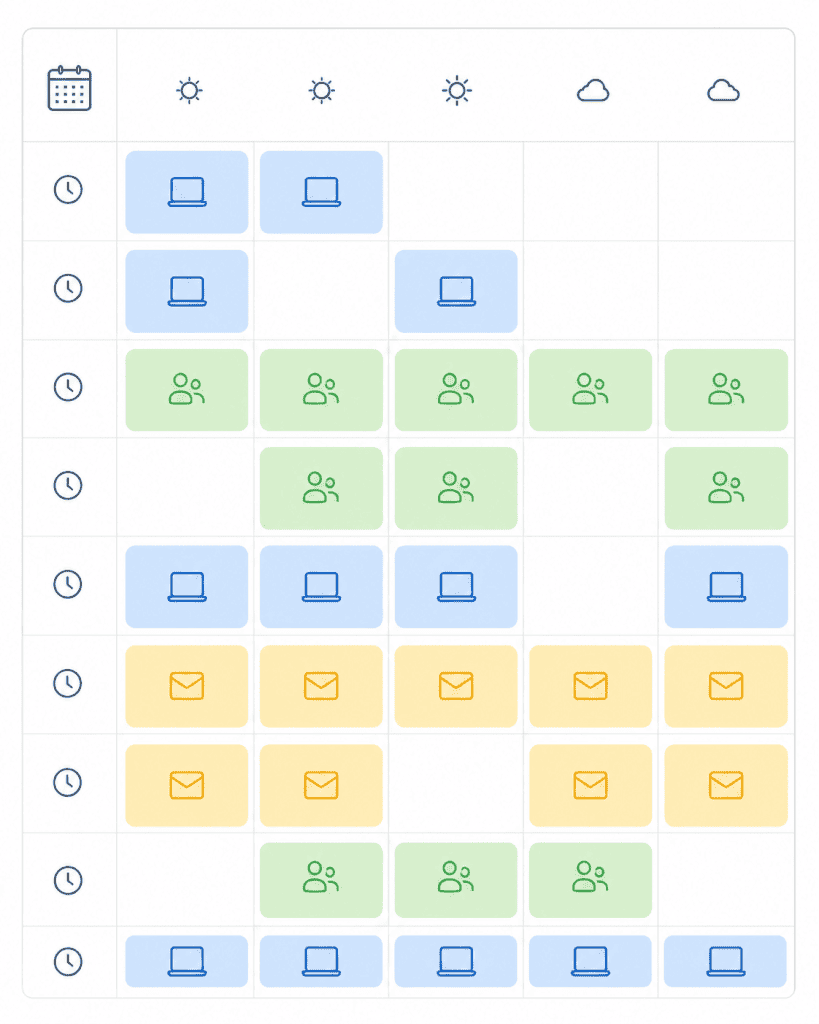
Step 1: Audit your current week
Before you start blocking time, spend one day observing how you actually spend your time right now. Not how you think you spend it — how you actually do.
Track every activity in 30-minute increments for a single workday. Most people are shocked by the results. Hours spent in low-value meetings. Two-hour email spirals. Entire afternoons lost to reactive work.
This audit becomes your baseline. You’ll know exactly what you’re optimizing against.
Most people skip this step entirely — and it’s the main reason the time blocking method for beginners feels frustrating in the first week.
Step 2: Identify your most important tasks
Look at your work and separate it into two categories:
- Deep work: Tasks that require sustained concentration and create real value. Writing, coding, strategy, creative work, analysis.
- Shallow work: Tasks that are necessary but don’t require deep focus. Email, scheduling, admin, quick replies, routine check-ins.
Deep work should get your best hours. For most people, that’s the first 2-3 hours of the morning, before the day generates friction. For a complete guide to building genuine deep focus sessions, read How to Enter a Deep Work State.
This work-type separation is central to how the time blocking method for beginners actually delivers results.
Step 3: Build your ideal week template
Open your calendar — Google Calendar, Outlook, paper, whatever you use — and create a template for a typical week.
Don’t schedule every minute. Start with the big blocks:
- Morning deep work block: 9am–12pm (or whatever your peak energy window is)
- Communication block: 12pm–1pm for email and messages
- Meetings block: 2pm–4pm
- Admin block: 4pm–5pm for shallow tasks
This is your template, not a rigid law. Real life will interrupt. That’s fine — the template gives you something to return to.
This template is the structural backbone of the time blocking method for beginners.
Step 4: Schedule your blocks the night before
Every evening, spend 10 minutes reviewing the next day. Take your week template and adapt it to tomorrow’s reality.
What’s the single most important thing you need to accomplish tomorrow? That gets the first block.
What meetings are already booked? Block them in. What gaps remain? Fill them intentionally.
This nightly planning ritual is the habit that makes time blocking actually work. Without it, the system falls apart by Tuesday.
Think of it as the daily maintenance that keeps the time blocking method for beginners running smoothly.
Step 5: Protect your blocks like appointments
Here’s where most people fail. They build a beautiful schedule, then immediately let it collapse when something comes up.
A time block is an appointment — with yourself, with your most important work. Treat it with the same respect you’d treat a meeting with your manager.
This means:
- Closing email and Slack during deep work blocks
- Letting calls go to voicemail
- Telling colleagues you’re unavailable until [time]
- Actually stopping when the block ends
That last point matters more than people expect. Overrunning your blocks is how the whole system unravels.
Staying focused inside your blocks is its own challenge. For a complete guide to managing distractions at home, read How to Stop Getting Distracted While Working From Home.
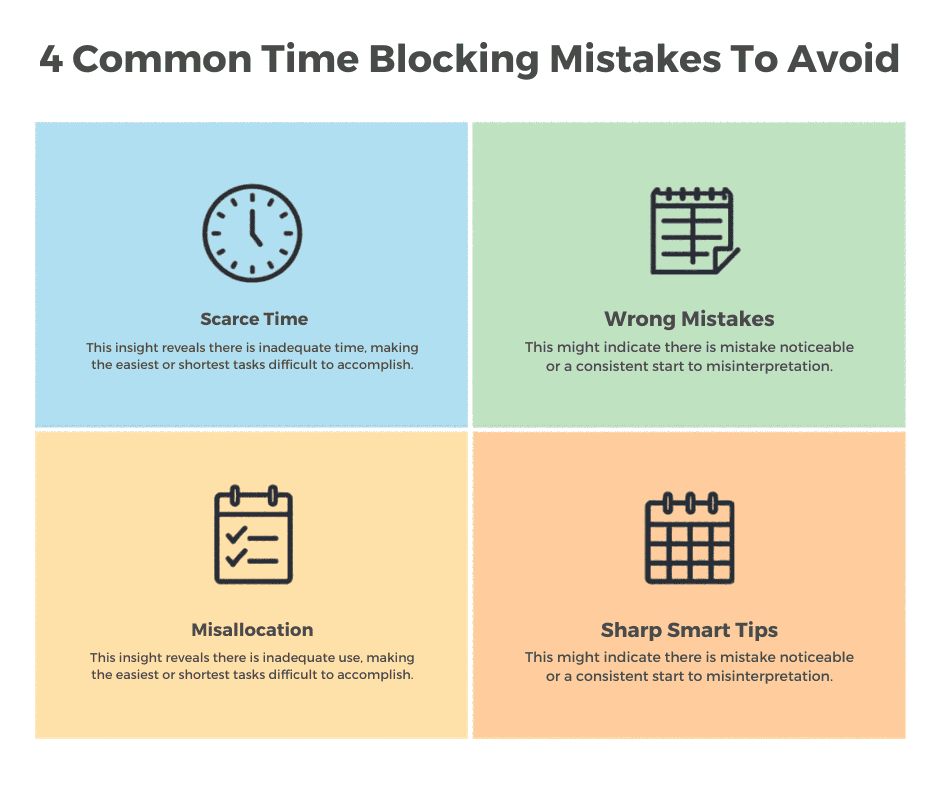
Common Time Blocking Mistakes (And How to Avoid Them)
These are the four mistakes that trip up most people when they first try the time blocking method for beginners.
Scheduling too tight
Leaving zero buffer between blocks is a recipe for frustration. Tasks always take longer than expected. Life interrupts. If your 10am block runs until 10:47, and your next block starts at 10:45, you’re already behind.
Fix: Add 15-minute buffer blocks between major tasks. They’ll get used. If they don’t, treat them as bonus time.
Ignoring your energy levels
Scheduling your hardest creative work at 4pm when your brain is running on fumes is not time blocking — it’s optimism.
Fix: Match tasks to energy. Difficult, focused work goes in your high-energy window. Routine tasks fill the low-energy slots.
Making the blocks too vague
“Work on project” is not a time block. It’s a to-do list item dressed up as a schedule.
Fix: Be specific. “Write first draft of Q3 report introduction” is a time block. The more specific the block, the less decision-making required when you sit down to work.
Trying to schedule everything
Time blocking works best for your intentional work — the tasks you choose to prioritize. It doesn’t mean scheduling every minute of every day.
Fix: Leave unscheduled time. Seriously. Some of your most valuable thinking happens in the gaps.
Time Blocking vs. Other Productivity Methods
You might be wondering how time blocking compares to methods you’ve already heard of.
Time blocking vs. the Pomodoro Technique: The Pomodoro Technique uses 25-minute work sprints with short breaks. It’s great for getting started on tasks you’re avoiding. Time blocking is better for planning your entire day. They’re actually complementary — use Pomodoro within a deep work block.
Time blocking vs. task batching: Task batching groups similar tasks together (all your emails at once, all your calls back-to-back). Time blocking does the same thing but within a structured daily schedule. Think of batching as a subset of time blocking.
Time blocking vs. time boxing: These are often confused. Time boxing sets a fixed time limit for a task and stops when time runs out, regardless of whether it’s done. Time blocking reserves time for a task but doesn’t necessarily impose a hard deadline. Both are useful — time boxing works especially well for tasks that tend to expand endlessly.
Tools for Time Blocking
You don’t need anything fancy.
The best tool for the time blocking method for beginners is the one you’ll actually use consistently.
Google Calendar is the default choice for most remote workers — free, syncs everywhere, easy to share with teammates so they can see your availability.
Notion or Obsidian work well if you prefer a text-based daily planner alongside your calendar. Many people use a simple time-blocked template in Notion for their daily planning ritual.
A paper planner is genuinely effective for some people. There’s something about physically writing your schedule that creates commitment. Don’t dismiss it.
The tool matters far less than the habit. The time blocking method for beginners works best when you start with what you already have open — usually a calendar app you’re already comfortable with.
Frequently Asked Questions
How many hours should a time block be? Most people find 90-minute blocks work best for deep work — long enough to get into a flow state, short enough to maintain focus. For shallow tasks, 30–60 minutes is plenty. Experiment and adjust based on what works for you.
What if someone interrupts my time block? First, decide whether it’s actually urgent. Most things aren’t. For genuine emergencies, handle them and reschedule the block later in the day. For everything else, a polite “I’m focused until noon, can we connect after?” is completely reasonable.
Do I need to time block my entire day? No. Even blocking just your most important 2-3 hours of deep work each day is a significant upgrade from working reactively. Start small and expand as the habit builds.
Is time blocking good for creative work? Yes — and many creative professionals swear by it. The key is protecting large, uninterrupted blocks for creation, then separate blocks for feedback, revision, and communication. Mixing the two kills creative flow.
How long does it take to get used to time blocking? Most people feel the difference within a week. Building a consistent routine takes about 3-4 weeks. Be patient with yourself during the adjustment period — working this intentionally can feel unfamiliar at first. The time blocking method for beginners is designed to be adopted gradually — you don’t need to implement all five steps at once.
Start Small, Start Today
The time blocking method for beginners starts with a single decision. Time blocking doesn’t require a perfect system or the right app or a complete overhaul of how you work.
It requires one decision: what is the most important thing you need to accomplish tomorrow, and when specifically are you going to do it?
Block that time. Protect it. Do the work.
Then build from there.
Found this useful? Explore more productivity guides on Deep Focus Daily.