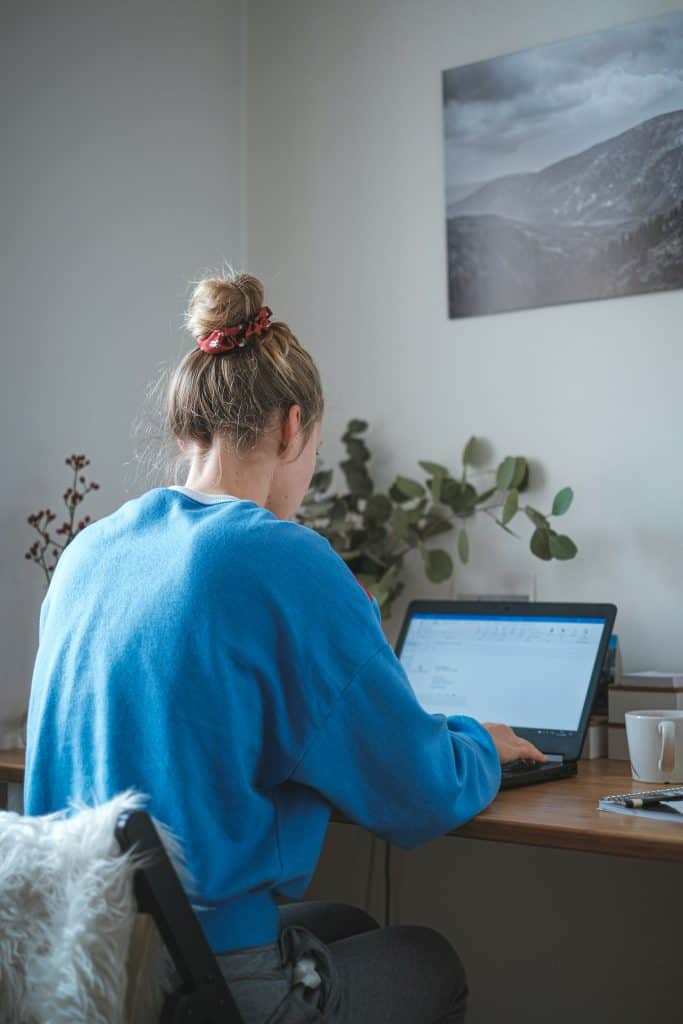
If you’ve ever sat down to work from home and somehow ended up reorganizing your kitchen cabinets, you’re in good company. Getting distracted at home isn’t a sign of laziness or low motivation. It’s mostly an environment problem, and environment problems have environment solutions.
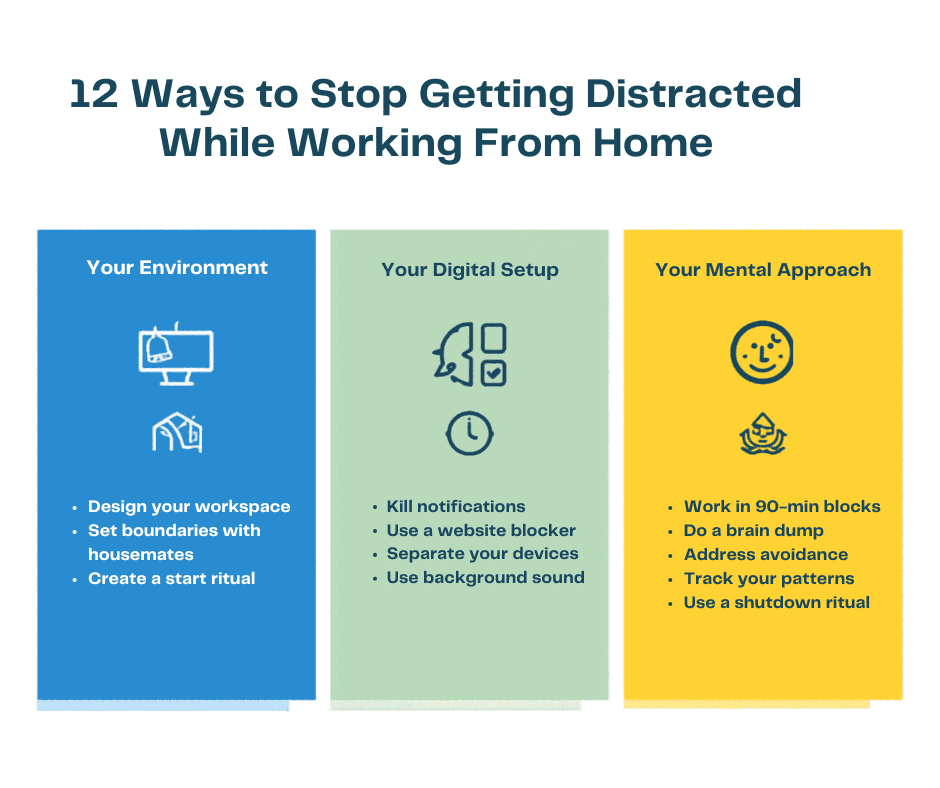
This guide gives you 12 strategies, grouped into three layers: your physical environment, your digital setup, and your mental approach. There are no two-hour morning routines and no vague advice to “stay disciplined.” Each strategy is something you can set up in a few minutes.
Quick Overview: 12 Ways to Stop Getting Distracted
| # | Strategy | Best for |
|---|---|---|
| 1 | Design your workspace | Everyone |
| 2 | Tell housemates when you’re working | Shared living situations |
| 3 | Create a start ritual | Slow starters |
| 4 | Kill notifications | Frequent phone checkers |
| 5 | Use a website blocker | Heavy internet users |
| 6 | Separate work and personal devices | People who drift into browsing |
| 7 | Use background sound | Noise-sensitive workers |
| 8 | Work in focused blocks | Chronic multitaskers |
| 9 | Do a brain dump first | Overthinkers |
| 10 | Address emotional avoidance | Procrastinators |
| 11 | Track your distraction patterns | Data-driven people |
| 12 | End the day with a shutdown ritual | People whose work bleeds into evenings |
Why Home Makes Distraction Worse
The office had one underrated feature: a physical and psychological boundary between work mode and everything else. At home that boundary is gone. Your brain is in the same space where you relax, eat, and scroll. Every room is an escape route, and every notification competes with your work on equal terms.
There’s also no social accountability. Nobody notices when you disappear for 40 minutes. You can rebuild those boundaries on purpose, which is what the strategies below do.
First, Diagnose Your Distraction Type
Not every distraction has the same cause, and the wrong fix wastes time. Think about your last three interruptions:
- Someone or something interrupted you (a person, a noise, a delivery): start with the environment strategies, 1 to 3.
- You interrupted yourself by reaching for a device or a tab: start with the digital strategies, 4 to 7.
- You interrupted yourself while facing a hard or unclear task: start with the mental strategies, 8 to 12. Blockers won’t help if the real issue is avoidance.
12 Strategies to Stop Getting Distracted While Working From Home
Your Environment
1. Design Your Workspace Before You Start
Your physical space is your first line of defense. If your “office” is the couch where you watch TV, your brain will fight you every day.
- Face a wall or window, not the TV
- Clear the surface of anything unrelated to work
- Use visual cues, such as a specific lamp, a mug you only use while working, or headphones that mean work mode
For a full room setup, see our distraction-free home office guide.
2. Tell the People You Live With When You’re Working
If people at home don’t know when you’re in a focused block, they’ll interrupt you constantly. A simple “I’m heads down until noon” prevents most of it. A closed door or headphones can serve as a signal. If you’re sharing space with children, read our guide to working from home with kids, and for the broader conversation see setting boundaries while working from home.
3. Create a Consistent Start Ritual
A start ritual is a short sequence that tells your brain focused work is beginning: make coffee, put on headphones, open your task list, set a timer. Do the same sequence every morning and it becomes a cue.
Your Digital Setup
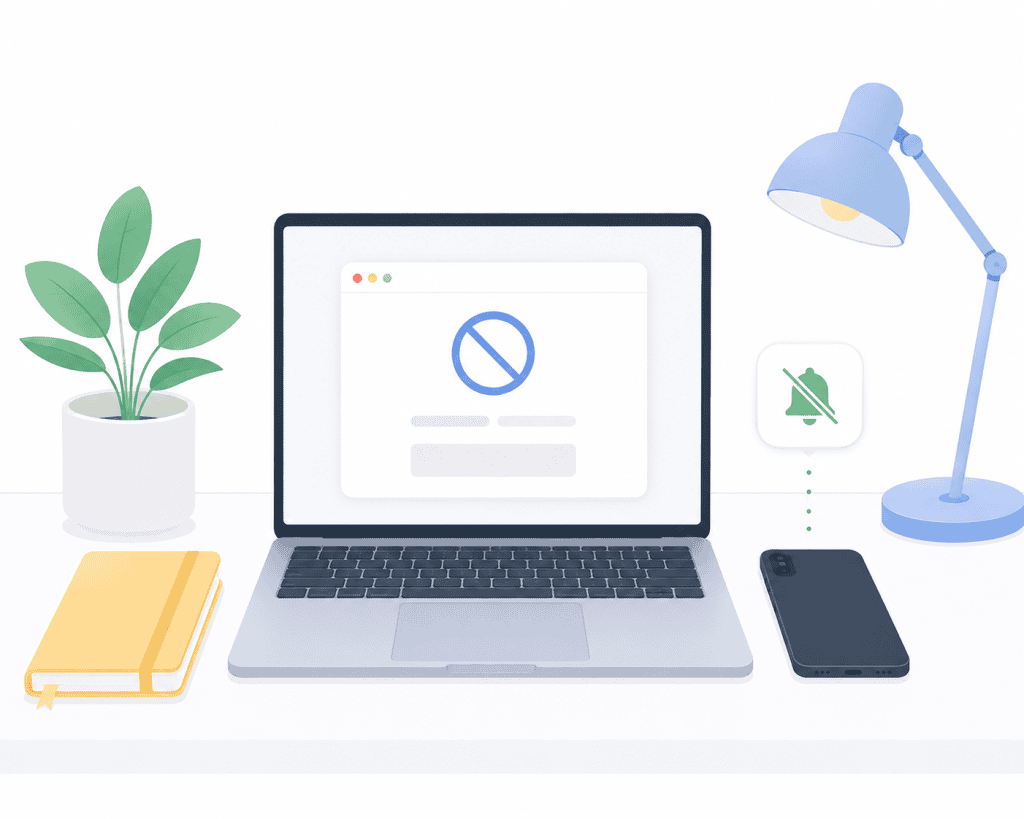
4. Kill Notifications
Every notification invites a context switch, and returning to a task afterward takes time. Researcher Gloria Mark of UC Irvine has found in workplace studies that people often need well over 20 minutes to get back to a task after an interruption. Put your phone on Do Not Disturb, mute Slack during focus blocks, and close unnecessary tabs. We cover why the cost is so high in our guide to attention residue.
5. Use a Website Blocker During Deep Work
Willpower runs out, so use a tool: Freedom works across devices, Cold Turkey is strict and Windows-friendly, and Forest uses a game-like reward. Start the blocker before you sit down, not after you’ve begun procrastinating. More options are in our roundup of the best focus apps.
6. Separate Your Work and Personal Devices
At minimum, use a separate browser profile for work. Chrome and Firefox both support this. Your work profile has no personal bookmarks, no social media shortcuts, and no distracting extensions. Where you can, keep your phone out of the room.
A 2017 study by Adrian Ward and colleagues, published in the Journal of the Association for Consumer Research, found that having your own smartphone nearby, even silent and face-down, was linked to lower available cognitive capacity. The findings have been debated, but keeping the phone out of sight costs you nothing.
7. Use Background Sound Strategically
Many remote workers find consistent background sound helps. Options include Brain.fm, lo-fi playlists, white noise, or Coffitivity. Avoid music with lyrics for writing or reading tasks. See our guide to focus music for work for genre-by-genre advice.
Your Mental Approach
8. Work in Focused Blocks
Many people work best in stretches of 60 to 90 minutes followed by a real break. Set a timer, work on one task only, take a break away from screens, then repeat. See The Time Blocking Method for Beginners to build this into your full day.
9. Do a Brain Dump Before Each Work Block
Spend five minutes writing everything on your mind onto paper. Once it’s captured outside your head, you’re less likely to break your focus to chase a stray thought. Keep the same page open during the session and add new thoughts there instead of acting on them.
10. Address the Emotional Side of Distraction
Distraction is often avoidance. When a task feels overwhelming or unclear, your brain looks for an escape. Ask yourself what you’re trying to avoid. Naming it, whether it’s fear of doing the task badly or not knowing where to start, often makes it easier to shrink the task to a first step you can do in ten minutes.
11. Track Your Distraction Patterns for One Week
Write down when you got distracted, what triggered it, and the time of day. Most people find the same two or three triggers repeating, which lets you design specific fixes instead of applying generic advice. A simple log looks like this:
| Time | What I was doing | What pulled me away | Type |
|---|---|---|---|
| 10:15 | Drafting report | Slack ping | Digital |
| 11:40 | Planning | Partner asked a question | Environment |
| 14:05 | Hard email | Started tidying my desk | Avoidance |
The example rows are illustrative. If you want a fuller method, a one-week time audit shows where all your hours go, not only the distracted ones.
12. End Each Day With a Shutdown Ritual
A clear ritual tells your brain that work is over: review what you finished, write tomorrow’s top three priorities, and close work tabs and apps. Cal Newport uses a “shutdown complete” phrase to mark the end of the day. It sounds odd until you try it for a week. Our work shutdown ritual guide has a full checklist.
If You Only Have 15 Minutes Today
- Put your phone in another room (1 minute).
- Turn on Do Not Disturb and close chat apps (1 minute).
- Write down the one task that matters most this morning (2 minutes).
- Tell the people around you when you’ll be available again (1 minute).
- Set a 60-minute timer and start with the first small step (10 minutes to get moving).
Once that works, add one strategy a week rather than trying all twelve at once. For the deeper skill of sustained concentration, continue with how to enter a deep work state.
Frequently Asked Questions
Why is it so hard to focus when working from home? Your home is set up for comfort and relaxation, and there’s no physical separation between work and personal space. Without it, your brain struggles to shift into work mode.
How long does it take to build better focus habits at home? Many people notice a difference within a week or two of applying even one strategy consistently. A full system that runs on autopilot usually takes a few weeks to settle in.
Is working from home less productive than an office? Not necessarily, but it needs more deliberate design. People who control their environment and schedule tend to do well.
What’s the best app to block distractions? Freedom suits people who work across several devices. Cold Turkey is the strictest option for Windows users. Forest is best if you respond to positive reinforcement.
How do I stop checking my phone every few minutes? Put it in another room. If that’s not possible, use Do Not Disturb and keep it in a drawer, out of sight.
About the author: Alex is a software developer who has worked remotely for three years. He started Deep Focus Daily to document the productivity systems that actually survive real remote work — not the advice written for offices that no longer exist. Learn more about Deep Focus Daily →