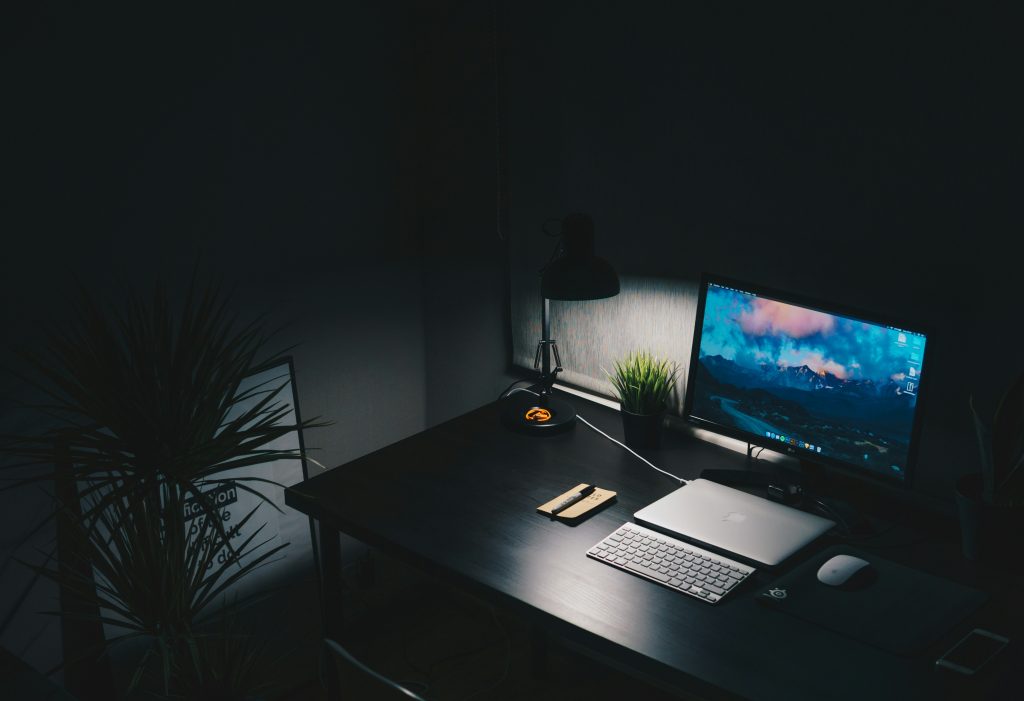
You sit down to work, and within ten minutes you’ve checked your phone twice, reorganized your desk, and ended up on YouTube. Sound familiar? You’re not lazy — your environment is working against you.
A distraction-free home office setup isn’t about having an expensive desk or a perfectly curated aesthetic. It’s about engineering a space where your brain knows it’s time to do serious work. The difference between a productive remote worker and a chronically distracted one is almost always the environment.
Here’s the good news: most of the changes that matter most cost nothing. Let’s build your distraction-free home office setup from the ground up.
What You’ll Actually Need: Quick Overview
| # | Setup Element | Why It Matters |
|---|---|---|
| 1 | Dedicated workspace | Trains your brain to associate the area with deep work |
| 2 | Monitor at eye level | Reduces neck strain and keeps you screen-focused |
| 3 | Noise management | Eliminates the #1 environmental distraction |
| 4 | Lighting (natural + task) | Reduces eye fatigue and boosts alertness |
| 5 | Clean desk policy | Visual clutter competes for attention constantly |
| 6 | Phone distance rule | Out of sight reduces urge-to-check by over 40% |
| 7 | Digital notification controls | Digital pings are the new open-plan office |
| 8 | Comfortable chair with lumbar support | Pain equals distraction, every single time |
| 9 | Analog time-tracking tool | Keeps you accountable without another screen |
| 10 | Ritual triggers | Psychological cues that tell your brain to shift modes |
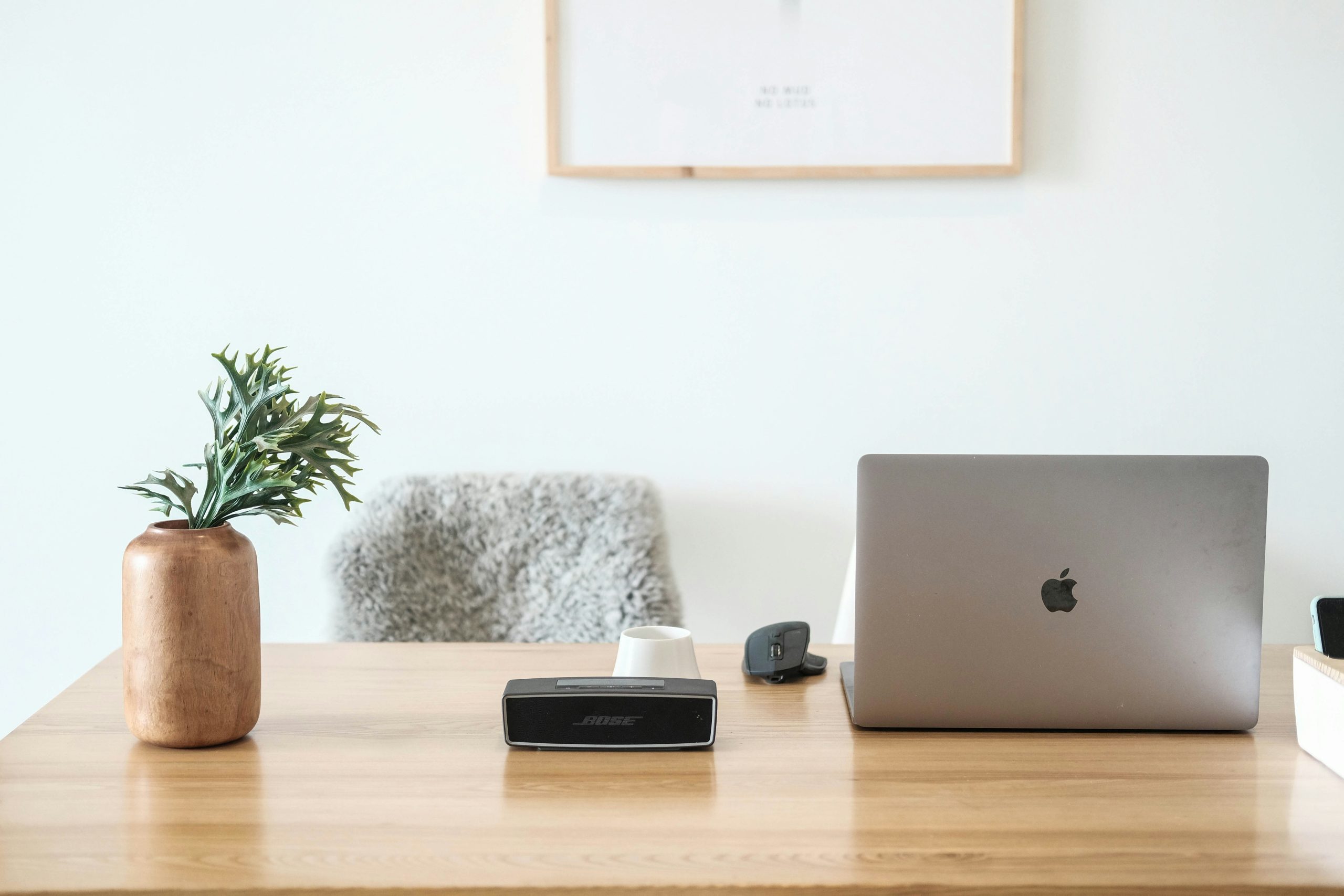
The Physical Distraction-Free Home Office Setup
Choose and Defend Your Dedicated Zone
The foundation of any distraction-free home office setup is a dedicated zone. If you’re working from the couch or kitchen table, your brain never gets a clear signal that it’s time to focus. Even in a small apartment, designate one area specifically for work. A corner with a desk facing the wall (not a window or TV) works well. The consistency is what rewires the association — over time, sitting down in that spot becomes a focus trigger on its own.
Get Your Monitor Height Right
Your monitor should sit at eye level, about an arm’s length away. A monitor arm like the Ergotron LX (around $45–$60) is one of the highest-ROI purchases you can make. It frees up desk space, gets the screen to the right height, and eliminates the neck strain that creates persistent background distraction.
Ruthless Desk Management
A rule worth living by: if it doesn’t belong in your work process, it doesn’t belong on your desk. No mail, no phone charger coiled in the corner, no decorative items that require visual processing. Your goal is a surface where the only thing demanding your attention is your work.
Noise: The Invisible Productivity Killer
Noise is probably the most underestimated distraction in any home office. A neighbor’s lawn mower or a family member’s conversation can yank you out of a flow state and cost you 15–20 minutes of recovery time, according to research from the University of California, Irvine.
The Two-Layer Approach to Noise Control
Layer 1: Block it. Noise-canceling headphones are non-negotiable if you share your home with other people or live in a loud area. The Sony WH-1000XM5 (~$280) and the Bose QuietComfort 45 (~$249) remain the two best options in 2026. For budget setups, the Anker Soundcore Q45 (~$60) offers surprisingly effective ANC.
Layer 2: Mask it. A white noise machine — the LectroFan Classic ($50) is excellent — fills the acoustic space with a neutral sound that stops your brain from scanning for stimulation. Brown noise and pink noise are worth experimenting with. Research consistently shows that lyric-free music at moderate volume (~65–70 dB) supports focus better than either silence or music with lyrics.
Lighting: Stop Destroying Your Focus (and Your Eyes)
Bad lighting creates eye strain, and eye strain creates brain fog. Position your desk so natural light comes from the side, not directly behind or in front of your monitor. When natural light fades, a quality task lamp like the BenQ e-Reading Desk Lamp (~$109) prevents the eye fatigue that builds across long sessions.
Color temperature matters. During morning deep work sessions, cooler light (5000–6500K) promotes alertness. In the afternoon, warmer tones (3000–4000K) prevent overstimulation. A smart bulb like the Philips Hue White Ambiance ($20–25) can automate this shift.
Digital Setup: Your Home Office Has Two Sides
You can build the most beautiful physical distraction-free home office setup in the world and still get wrecked by notifications, browser tabs, and app overload.
Notification Triage
Kill everything you don’t actually need. Go to your phone’s notification settings and ask, for every app: “If I saw this hours later, would anything bad happen?” For most apps, the answer is no. Enable Focus Mode (Windows) or Focus (macOS) and create a Work profile that blocks everything except the tools you use for actual work. For a deeper dive, read How to Stop Getting Distracted While Working From Home.
Browser Control
Your browser is a distraction machine by default. Freedom ($6.99/month) blocks websites and apps across all devices simultaneously. Cold Turkey Blocker (free basic / $39 one-time) is more aggressive — it even prevents you from uninstalling the extension during a session.
Psychological Cues: The Invisible Architecture of Focus
Build a Start-of-Work Ritual
A 5–10 minute routine before you open your laptop tells your nervous system it’s time to shift gears. Make your coffee. Review your task list. Put on your work headphones. Do it in the same order every day, and it becomes a conditioned trigger.
The Phone Distance Rule
Research from the University of Texas at Austin found that having your phone on your desk — even face down, even silenced — reduces your available cognitive capacity. Put your phone in a different room during deep work blocks.
Time-Boxing Your Sessions
The Pomodoro Technique works well for knowledge work because it makes distraction structurally harder. When you know a break is coming in 20 minutes, checking your phone feels less urgent. A physical Time Timer (~$35) is more effective than a phone timer app because it doesn’t require you to touch your phone.
Putting It All Together: Your Distraction-Free Home Office Setup in 7 Days
- Day 1–2: Designate your zone, clear your desk completely, establish the phone-out-of-sight rule.
- Day 3–4: Set up notification controls. Install a website blocker. Configure Focus Mode.
- Day 5–6: Address lighting. Add a task lamp. Experiment with white noise or music.
- Day 7: Formalize your start-of-work ritual. Run it consistently for two weeks before evaluating. Track how many distraction-free focus blocks you complete per day — that number is the real measure of your distraction-free home office setup’s effectiveness.
Conclusion
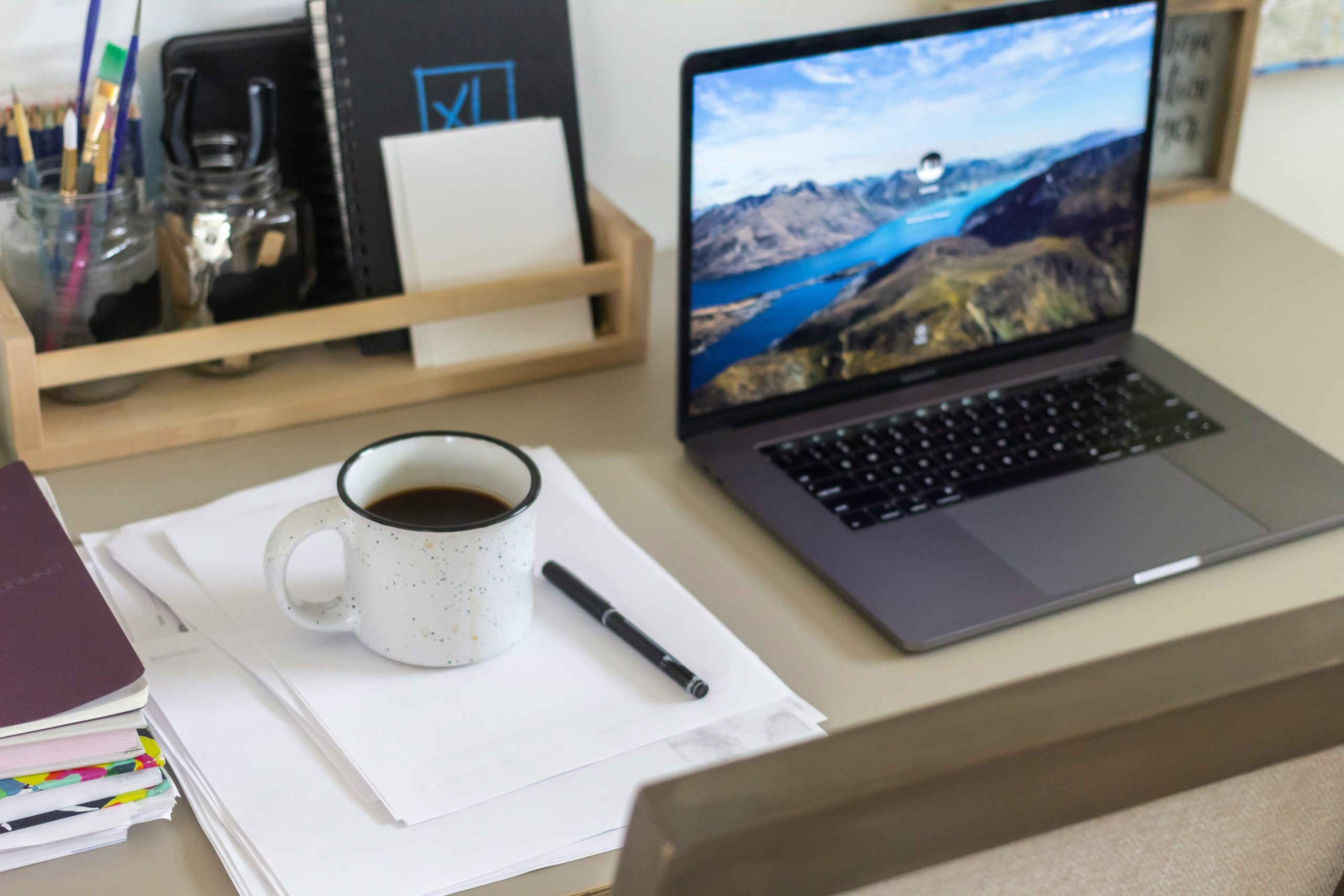
A truly distraction-free home office setup is a combination of physical discipline, smart tools, and psychological conditioning. None of these elements work in isolation. A great chair won’t save you if your phone is on the desk. Noise-canceling headphones won’t help if your browser has 40 tabs open. Start with the one change that will make the biggest difference in your specific situation, and build from there. Your focus is worth protecting. Give it the environment it deserves.
Want to go further? Check out the time blocking method to schedule your deep work blocks once your workspace is set up.
Frequently Asked Questions
Do I really need a dedicated room for a home office to focus properly? No. A true distraction-free home office setup doesn’t require a dedicated room. What matters is consistency — using the same physical spot for work every day. Even a corner of a bedroom or a specific chair in a living room can function as a focus zone if you treat it as one and avoid using it for other activities.
What’s the single most effective change I can make to reduce distractions right now? Put your phone in another room during work sessions. Research consistently shows this has a larger impact on cognitive performance than almost any other single change. It’s free and works immediately. Start there — before buying anything or rearranging anything. One hour of phone-free focused work will demonstrate the effect more clearly than any article about distraction-free home office setup ever could.
Are noise-canceling headphones worth the investment for home office use? If you share your home or live on a noisy street, yes — absolutely. The cognitive cost of acoustic interruptions far exceeds the cost of decent headphones over time. If budget is a concern, the Anker Soundcore Q45 (~$60) gives you solid ANC at a fraction of the price of Sony or Bose options.
How do I stop my family or roommates from interrupting me during work sessions? Clear visual signals (a “Do Not Disturb” sign, a specific light on when focused) combined with consistent communication about your schedule. Let people know your focus blocks in advance.
How important is monitor height for focus specifically? More important than most people realize. Physical discomfort — including neck strain from looking down at a laptop — creates a low-level but persistent distraction that compounds over a work session. Getting your screen to eye level removes that background noise.
About the author: Alex is a software developer who has worked remotely for three years. He started Deep Focus Daily to document the productivity systems that actually survive real remote work — not the advice written for offices that no longer exist. Learn more about Deep Focus Daily →