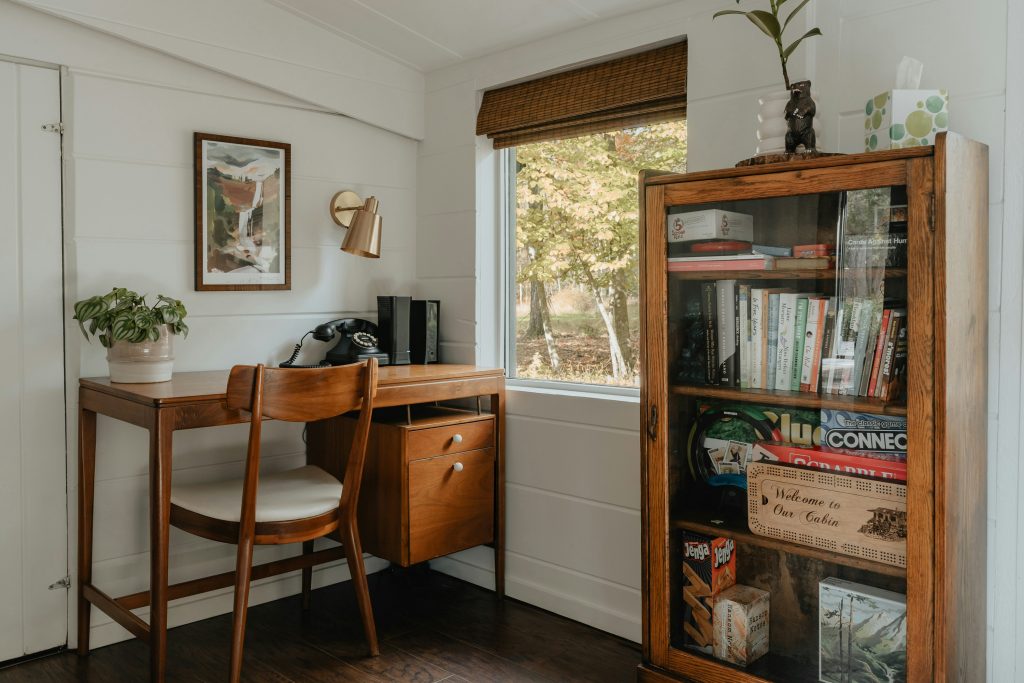
You don’t need a dedicated room or a large budget to build a good remote workspace. The best small-space setups work with the square footage you actually have, whether that’s a corner, a closet, a narrow wall, or a section of the living room, and turn it into a place where you can focus.
This guide covers seven setups, each aimed at a common constraint of compact living: limited floor space, no visual separation from the rest of the home, and the need to switch mentally between home mode and work mode. Costs and measurements below are rough guides, so check them against your own space and current prices.
The core idea: a dedicated space matters more than a large one. Even a four-foot stretch of wall with a floating desk and a chair tells your brain this is the work zone. You’re not squeezing a big office into a small apartment. You’re building a compact focus area on purpose.
7 Home Office Setups for Small Spaces
| # | Setup | Best for | Main trade-off |
|---|---|---|---|
| 1 | Corner nook desk | Unused room corners | Can feel boxed in |
| 2 | Cloffice (closet office) | A closet you can repurpose | Limited to one small desk and screen |
| 3 | Floating wall desk | Narrow walls, no spare floor space | Needs a secure wall mount |
| 4 | Room divider workspace | Studios and open-plan homes | Little sound isolation |
| 5 | Murphy (fold-down) desk | Multi-use rooms | Best with a laptop, not multiple monitors |
| 6 | Window-facing nook | Natural light and a view | Glare if placed badly |
| 7 | Vertical storage system | Small desks that need more room | Takes some installation |
What Makes a Small Workspace Work
Ergonomic design, meaning monitor height, chair support, and lighting, affects comfort more than square footage does. A well-arranged nook usually works better than a spare bedroom full of clutter. Three principles apply to every setup below:
- Visual separation: your brain needs a signal that this area is for work. A bookshelf divider or a rug under the desk can do it.
- Vertical use: the wall above your desk is prime space. Shelves, pegboards, and monitor arms free the surface.
- Cable and clutter control: small spaces feel cramped when cluttered, and a clear desk reduces friction.
Measure First: A Five-Minute Worksheet
- Measure the width, depth, and available height of your candidate spot.
- Note where the nearest outlet and window are.
- Sit in that spot for 15 minutes with your laptop. Is it comfortable? Is there glare? Can people walk behind you?
- Decide what has to be on the desk (laptop, notebook) and what can live on the wall or under it.
- Choose the setup from the list whose measurements fit.
1. The Corner Nook Desk
Room corners are almost always underused. A corner desk, or two perpendicular surfaces, gives you an L-shaped workspace with more surface than a straight desk while using dead space. Keep your primary screen straight ahead and your secondary surface, such as a notebook or reference material, to one side so you don’t have to overreach.
Tips: If you don’t want a full L-desk, put a regular desk in a corner facing the wall. Add a floating shelf above it and a monitor arm to bring the screen to eye level.
2. The Cloffice (Closet Office)
A closet converted to an office solves the separation problem completely. When the workday ends, you close the door and the workspace disappears. A standard reach-in closet is often 24 to 36 inches deep and three to six feet wide, which is usually enough for a compact desk surface, a monitor, a task light, and minimal storage.
Remove the hanging rod and shelf, paint the interior a calm color, add lighting, and install a desktop surface at desk height. The enclosed walls also help dampen sound on calls. You’ll need: a way to keep the door open or removed during work, a desktop surface, LED strip lighting, and a shelf above the desk. Make sure there’s ventilation, since a closet can get warm.
3. The Floating Wall Desk
A wall-mounted desk takes no floor space and fits any flat wall. Combined with a monitor arm and shelves above, it makes a full workstation from a narrow strip of wall. Widths commonly range from about 24 to 60 inches. Choose a depth of at least 16 inches for a laptop, or 20 to 24 inches if you use an external monitor.
Best for: narrow rooms, hallways, and walls beside windows. Mount it into studs or with anchors rated for the load. For low-cost options, see our budget home office setup guide.
4. The Room Divider Workspace
In a studio or open-plan home, create a boundary with furniture you already have. A bookshelf placed perpendicular to a wall makes a room within a room, with the desk on one side and the living area on the other. Other dividers include a curtain rod with curtains that close off the workspace at the end of the day, a tall plant arrangement, or a folding screen.
The goal isn’t soundproofing. It’s visual separation that helps your brain link the zone with focused work, and helps you mentally leave work at the end of the day.
5. The Murphy Desk (Fold-Down Wall Desk)
A Murphy desk folds down when you need it and up flush with the wall when you don’t. It suits spaces that can’t spare even a small permanent footprint, such as a bedroom or living room. Models often come in widths from about 24 to 48 inches and may include shelves and cable management. Closed, it looks like a cabinet or framed panel.
The trade-off: the monitor has to live on the desk or be packed away daily, so it works best for laptop users rather than multi-monitor setups.
6. The Window-Facing Nook
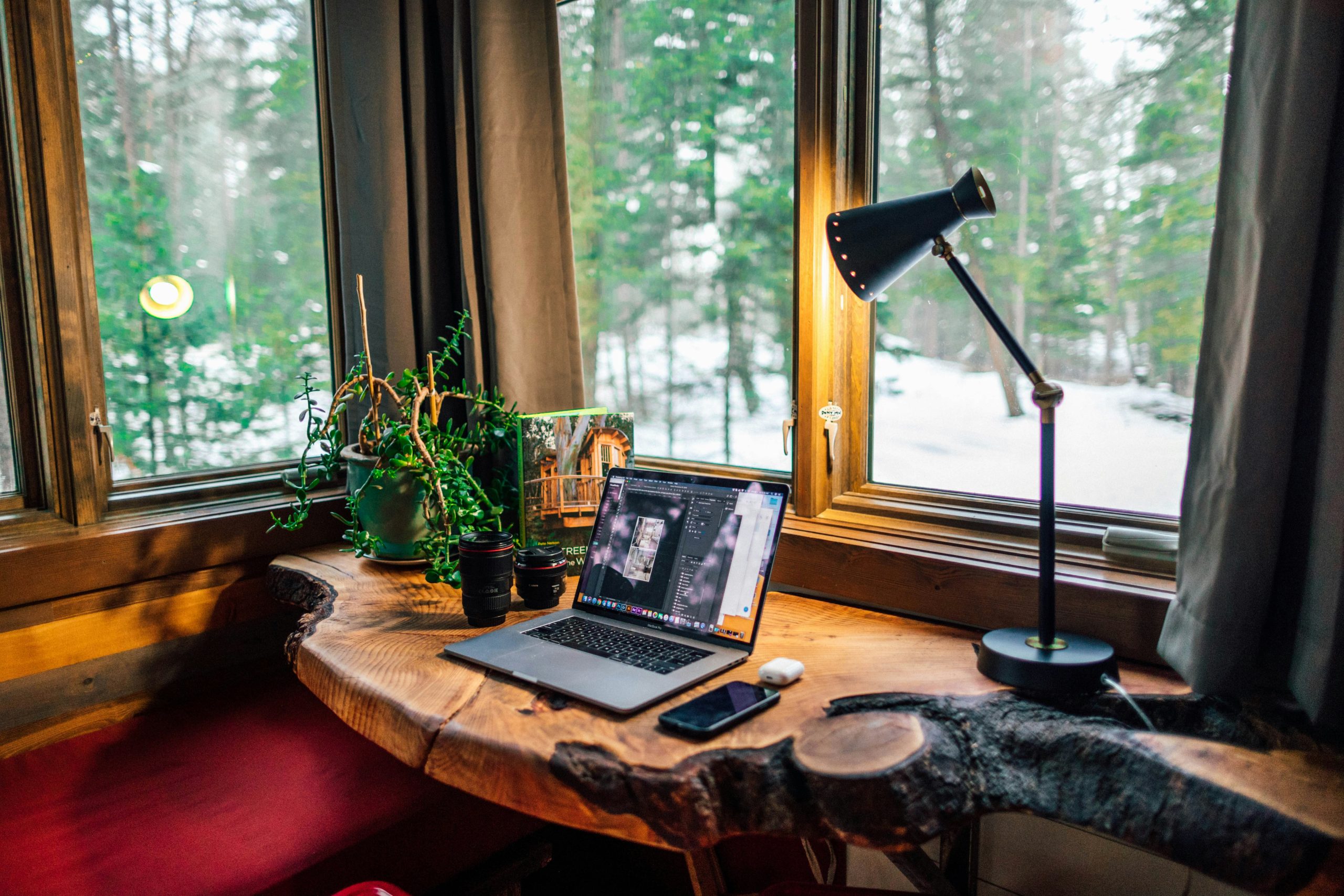
Natural light improves mood, reduces eye strain, and supports your body clock. A desk facing or beside a window turns the environment into a productivity aid. If the window causes glare on your screen, move the desk to the side of the window instead of directly facing it, or add a matte screen filter. A pull-down shade or adjustable blinds lets you manage light through the day.
A view outdoors also gives your eyes somewhere to rest, which helps in a small space where work and living areas overlap. For evenings and dark rooms, read our guide to home office lighting.
7. The Vertical Storage System
This one isn’t about where the desk goes. It’s about expanding your workspace without more floor space by moving everything off the surface:
- Monitor arm: gets the screen off the desk and lets you adjust height.
- Floating shelves above the desk: store books, equipment, and supplies at eye level.
- Pegboard panel: holds headphones, cables, scissors, and sticky notes.
- Under-desk storage: a rolling drawer unit adds storage without using wall space.
These additions work with every other setup on the list. A cloffice with a pegboard and monitor arm is much more usable than one without, and a floating desk with a shelf above is a complete workstation.
Comfort in a Small Space
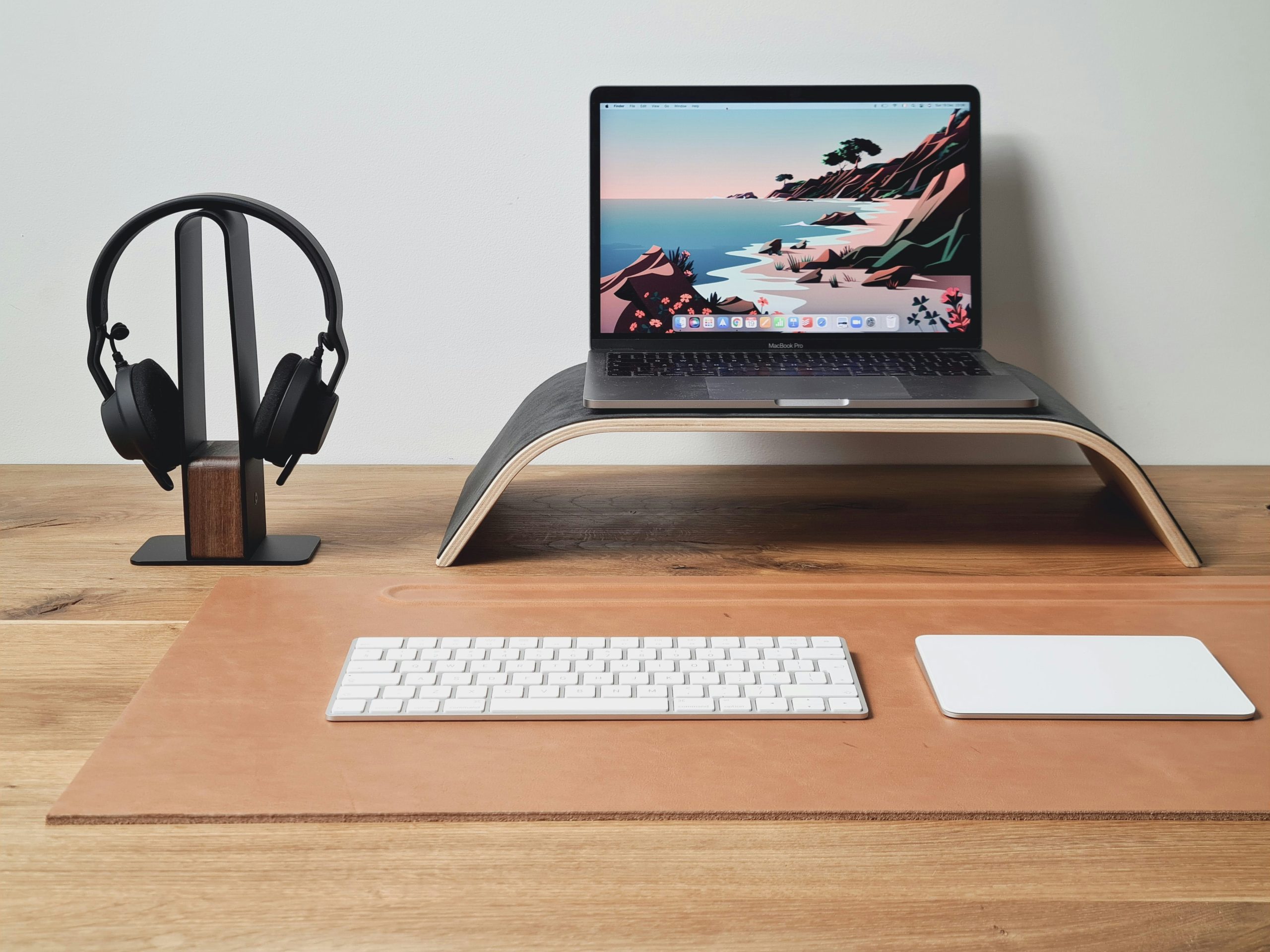
Compact doesn’t have to mean uncomfortable. Keep your screen at eye level, your elbows near a right angle, and your feet flat on the floor or a footrest. A small desk still works with an external keyboard and a laptop stand. Our ergonomic home office setup guide shows the positions to aim for. If you share the space with a partner or children, agree on a signal for when you’re working; see boundaries when working from home.
Your Next Steps
Start by auditing your current space. Where do you actually sit to work? What works, and what causes friction (distraction, discomfort, poor light, clutter)? Pick the one setup that fixes your biggest friction point and do it this week. One improvement done properly does more for your focus than a redesign you never finish.
Once the physical setup is in place, our guide to a distraction-free home office setup covers the environment and habits that keep you on task.
Frequently Asked Questions
What are the best home office ideas for a studio apartment?
Prioritize visual separation and a small footprint. A floating wall desk, a Murphy desk that folds away, or a bookshelf or curtain divider are the three most practical options. Aim for a zone that feels like work while you’re in it and disappears, physically or visually, when you’re not.
How much space do you need?
A workable setup can fit in about 20 to 25 square feet, roughly the footprint of a desk and chair. A floating desk with a monitor arm needs only about four linear feet of wall and 20 inches of depth. How the space is organized matters more than its size.
What’s the cheapest idea that works?
Turn your existing desk to face a wall instead of the room, which costs nothing and cuts visual distractions. Add a monitor arm (roughly $30 to $60) to free surface space, and use a curtain or divider (roughly $15 to $40) to separate the zone. Prices vary by store.
How do I look professional on video calls in a small space?
Use a neutral, uncluttered wall behind you, soft light from a window or lamp in front of or beside you, and a camera at eye level. A simple real background with one or two intentional items, such as a plant or a shelf, usually looks better than a virtual background.
About the author: Alex is a software developer who has worked remotely for three years. He started Deep Focus Daily to document the productivity systems that actually survive real remote work — not the advice written for offices that no longer exist. Learn more about Deep Focus Daily →