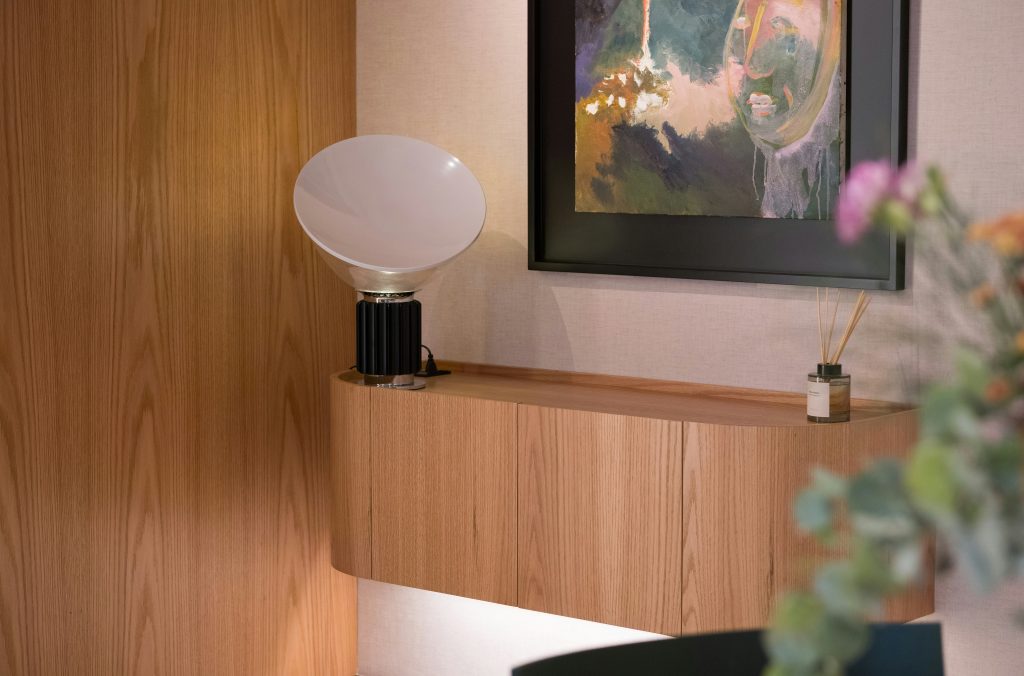
Bad lighting quietly drains your focus and strains your eyes. If you spend six to eight hours a day at a desk, getting your light right is one of the cheapest upgrades you can make, and most remote workers never think about it. Poor light affects more than your eyes. It can also affect your mood, your energy, and how long you can concentrate.
This guide covers seven tips for reducing eye strain, cutting glare, and keeping your energy steady through the workday, from window position to video call lighting. It pairs well with our guide to a distraction-free home office setup. Prices are approximate and change often.
Why Lighting Matters for Remote Work
Most people adjust their chair, buy a decent keyboard, and stop there. Lighting is an afterthought until the headaches start. The American Optometric Association describes computer vision syndrome, or digital eye strain, and lists symptoms such as dry eyes, blurred vision, and headaches. The AOA and other eye-health groups have cited surveys in which a majority of adults report at least some of these symptoms.
The usual causes are glare bouncing off the screen, ambient light that’s too dim or too bright compared with your screen, and long stretches of close focus. Your eyes keep readjusting, and that effort adds up.
Light also interacts with your body clock. Brighter, cooler light tends to feel more alerting, and warmer light in the evening is easier to wind down under. The same overhead tube light all day works against that pattern.
The Three Layers of Light
- Ambient lighting: the general light in the room, usually a ceiling fixture or floor lamp. It sets the base brightness so your eyes aren’t working in the dark.
- Task lighting: focused light on your work surface, such as a desk lamp.
- Accent lighting: softer light for balance. Bias lighting behind a monitor is the classic example.
Most home offices have a single ceiling fixture and nothing else. That creates harsh shadows and forces your eyes to keep adjusting between bright and dark areas. Using all three layers together fixes most of it.
Quick Overview: 7 Lighting Tips
| Tip | Type | Estimated cost |
|---|---|---|
| 1. Position your desk for natural light | Ambient | Free |
| 2. Choose the right color temperature | All types | $10 to $30 for bulbs |
| 3. Use a dimmable desk lamp | Task | $25 to $150 |
| 4. Eliminate glare on your monitor | Ambient | Free to $20 |
| 5. Add bias lighting | Accent | $15 to $40 |
| 6. Improve video call lighting | Task | $30 to $200 |
| 7. Deal with harsh overhead lights | Ambient | Free to $50 |
7 Tips for Better Home Office Lighting
1. Position Your Desk to Use Natural Light
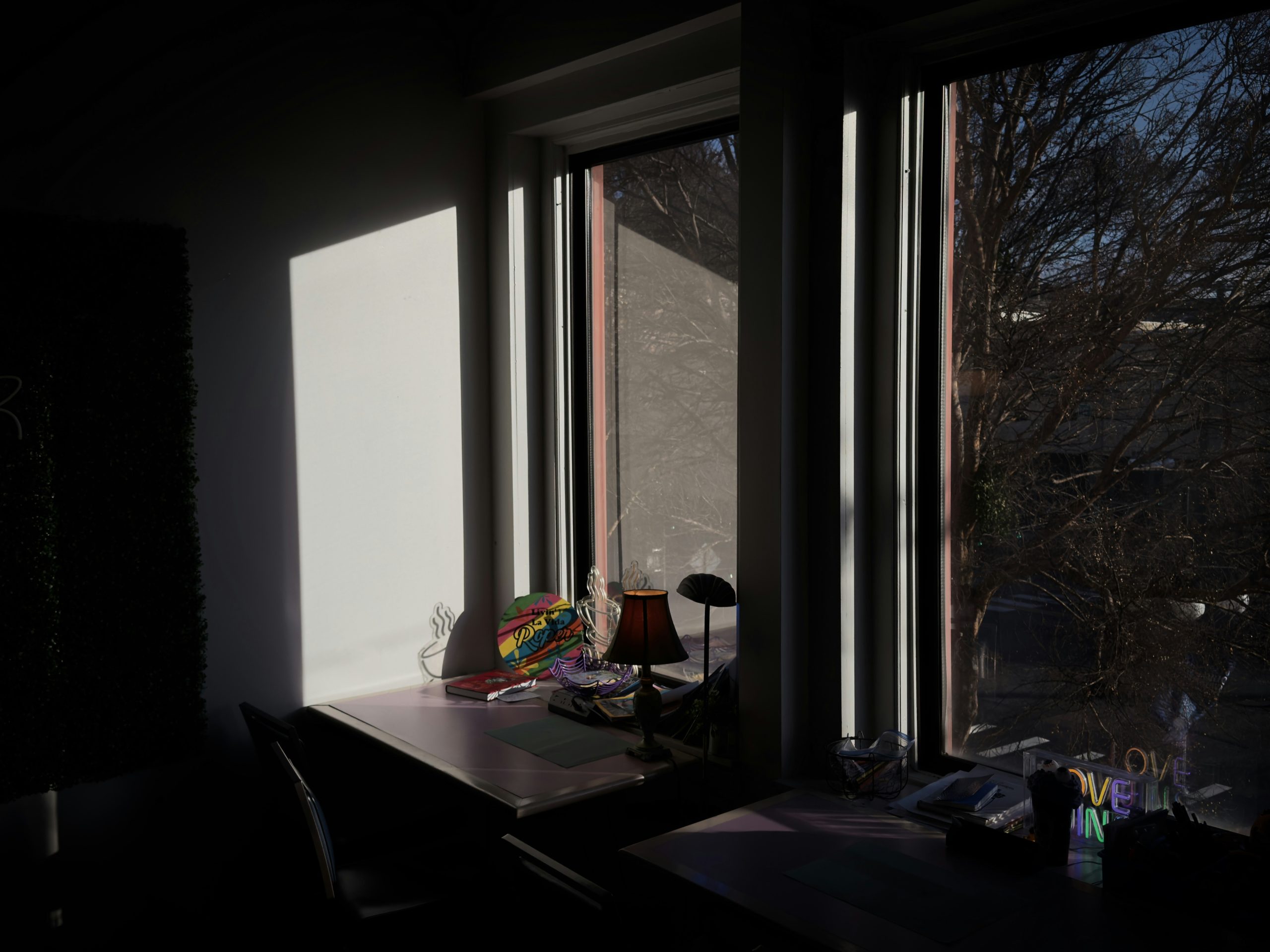
Natural light is the gold standard, but position matters. The most common mistake is sitting with a window directly behind your monitor. That puts a bright backdrop behind a darker screen, and your eyes must compensate for the contrast.
Put the window to your side, perpendicular to your screen. That lights your workspace without glare on the monitor. If you have to face a window, use a sheer curtain or diffusing blind. South-facing windows usually give the strongest light through the day, and north-facing windows give softer, more diffuse light. Watch how the light shifts over your workday and adjust.
2. Choose the Right Color Temperature
Color temperature is measured in Kelvin (K). Lower numbers are warmer, more orange. Higher numbers are cooler, more blue-white.
- 2700K to 3000K: warm white, good for evenings and a relaxed feel.
- 4000K: neutral white, a good all-purpose choice for work.
- 5000K to 6500K: cool daylight, more alerting, and can feel clinical if used all day.
For many people, a 4000K desk lamp with a warmer 2700K ambient light makes a comfortable layered setup. If you want more control, a tunable white bulb can shift from cooler in the morning to warmer in the afternoon. Several smart-bulb lines, including Philips Hue White Ambiance, support this.
3. Get a Desk Lamp With Adjustable Brightness
Your needs change through the day: brighter in the morning, softer in the afternoon, lower in the evening. A dimmable lamp lets you adapt. Look for:
- Adjustable brightness
- Color temperature control, at least warm and cool modes
- A diffuser or shade to prevent glare from the bulb
- An adjustable arm so you can aim the light
The light should hit your work surface, not your eyes.
4. Eliminate Glare on Your Monitor
Glare is a major contributor to eye strain, and it’s often fixable for free. Check for light sources directly in front of or behind your monitor. Tilt the screen, close a blind, or move a lamp until you can read without squinting or leaning forward.
An anti-glare screen filter, typically $15 to $20, can help if you can’t reposition. Also check your screen brightness. If it’s much brighter or darker than the room, your eyes keep readjusting, so try matching them.
5. Add Bias Lighting Behind Your Monitor
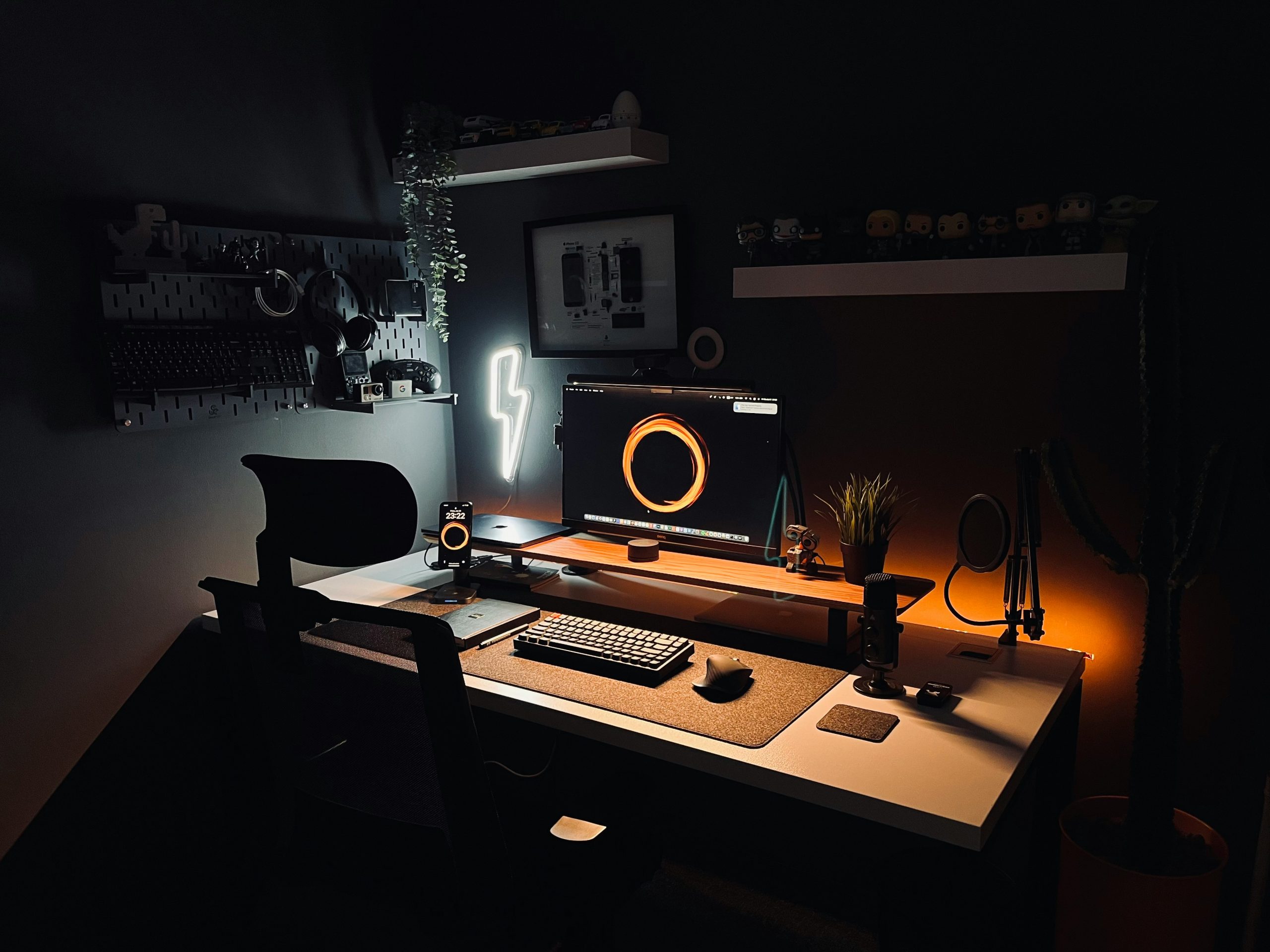
Bias lighting is a strip of soft light behind the monitor that glows onto the wall. By raising the brightness around the screen, it reduces the contrast between a bright display and a dark room, which many people find more comfortable, especially in the evening.
Neutral white around 6500K is the usual recommendation because it matches the white point of most monitors. A warm bias light can shift how colors look on screen. A basic LED kit costs roughly $15 to $40. Stick it along the back edge of the monitor and plug it in.
6. Upgrade Video Call Lighting
The best lighting for working isn’t always the best for appearing on camera. An overhead light casts shadows down your face, and light from one side creates uneven illumination. A front-facing light at eye level, slightly above, fills in shadows.
- Ring light: a circular light popular with creators, with budget models starting around $30.
- Key light: a panel light, such as the Elgato Key Light, with brightness and color temperature control. It looks more natural when placed slightly to one side.
Place the light between your face and your camera, not behind or beside the camera. If calls are wearing you out, see our guide to Zoom fatigue too.
7. Deal With Harsh Overhead Lights
Old fluorescent tubes tend to produce flat, cool light, and some flicker. If you can, turn them off and rely on task and ambient lamps. If you can’t control them, move your desk so you aren’t directly under the fixture, or use a diffuser panel. Swapping fluorescent tubes for LED equivalents is often cheap and gives steadier light.
Products Worth Considering
You don’t need to spend much. These are widely used options at different prices. Confirm current prices and specs before you buy:
- BenQ ScreenBar: a lamp that clips to the top of a monitor and lights the desk without shining on the screen. It has been priced around $100 to $110.
- Elgato Key Light: a panel light with app control, suited to frequent video calls, priced around $200 but often on sale.
- Govee LED bias lighting strip: an inexpensive USB-powered strip, typically $20 to $35.
- IKEA FORSÅ work lamp: a simple adjustable task lamp at around $30 that takes a standard bulb. Pair it with a 4000K LED bulb.
If money is tight, see our guide to a home office setup on a budget for how to prioritize. Lighting and posture work together, so also read our ergonomic home office setup guide. In a compact space, home office ideas for small spaces shows how to fit light sources in.
Is Your Lighting Hurting You? A Quick Test
At the end of your workday, run through this checklist:
- Do your eyes feel dry, scratchy, or tired by mid-afternoon?
- Do you squint or lean forward to read your screen?
- Do you get headaches behind your eyes or at your temples?
- Is there a visible reflection on your monitor?
- Is the area behind your screen much darker than the screen?
- Do you rely on a single light source, usually the ceiling?
Two or more yeses suggest your setup is working against you. Start with the highest-impact fix, usually window position or glare, and add layers from there. Persistent eye symptoms deserve a visit to an eye-care professional, since lighting isn’t the only possible cause. Our remote work productivity tips guide covers the wider picture.
A Simple Lighting Plan You Can Follow This Week
- Move your desk or screen so the window is at your side.
- Add a dimmable desk lamp with a neutral 4000K bulb.
- Place a bias light behind your monitor.
- Set up front-facing light for video calls if you have many of them.
- Turn off overhead fluorescents if you can.
Good lighting doesn’t make you work harder. It stops your environment from making you work harder just to see clearly. Pick one tip and do it this week.
Frequently Asked Questions
What’s the best lighting for a home office?
A layered setup: natural light from a side window, a dimmable desk lamp around 4000K for task work, and bias lighting behind the monitor. Layering avoids the harsh contrast that causes fatigue, and it beats relying on one expensive light source.
How bright should it be?
Office lighting guidance commonly cites roughly 300 to 500 lux at the work surface, which feels like a well-lit office. Your screen brightness should roughly match the room. If the room feels dim and the screen feels blinding, that imbalance is what strains your eyes.
Is natural or artificial light better?
Natural light is usually better when positioned correctly, to the side of your monitor rather than behind it. It changes through the day and isn’t always available, so use artificial task lighting to fill the gaps.
What color temperature is best?
4000K neutral white is a good default for task lighting. Some people prefer 5000K or higher in the morning and 2700K to 3000K in the afternoon or evening. Avoid strong cool light late in the day if it affects your sleep.
Do I need a ring light?
Not for working, but it’s a useful upgrade if you’re on video calls often. Without front-facing light, overhead lighting casts shadows on your face. A basic ring light costs around $30 to $50, and a panel light gives more control if you want a more natural look.
About the author: Alex is a software developer who has worked remotely for three years. He started Deep Focus Daily to document the productivity systems that actually survive real remote work — not the advice written for offices that no longer exist. Learn more about Deep Focus Daily →