Remote work offers extraordinary freedom. It also comes with hidden traps that office environments naturally prevent: the temptation to stay in pajamas all day, the household chores calling from the other room, the absence of social cues that signal “this is work time.” Without deliberate structure, those freedoms become liabilities.
These remote work productivity tips aren’t about working harder. They’re about working smarter — designing your environment, habits, and schedule so that focused, meaningful output happens naturally. In this guide, you’ll find 9 practical strategies for structuring remote workdays.
Apply even three of these and your workdays will look and feel fundamentally different within two weeks.
Quick Overview: 9 Remote Work Productivity Tips
| # | Tip | Impact |
|---|---|---|
| 1 | Create a dedicated workspace | Psychological work-mode trigger |
| 2 | Start with a morning routine | Consistent daily momentum |
| 3 | Time block your day | Protects deep work time |
| 4 | Set clear work hours and communicate them | Prevents overwork and distraction |
| 5 | Take real breaks | Sustains energy and focus |
| 6 | Batch your communication | Eliminates reactive mode |
| 7 | Use a shutdown ritual | Creates mental boundary at end of day |
| 8 | Minimize your digital environment | Reduces distraction overhead |
| 9 | Invest in your physical setup | Reduces fatigue, improves focus |

Why Remote Workers Struggle With Productivity
A 2023 report from Buffer’s State of Remote Work found that unplugging after work (22%), loneliness (19%), and staying motivated (12%) are the top struggles for remote workers. What ties these together is the absence of external structure — the kind an office provides automatically.
The solution is to build that structure deliberately. These remote work productivity tips give you the framework to replace what the office used to provide — with more flexibility and better results.
9 Remote Work Productivity Tips
1. Create a Dedicated Workspace
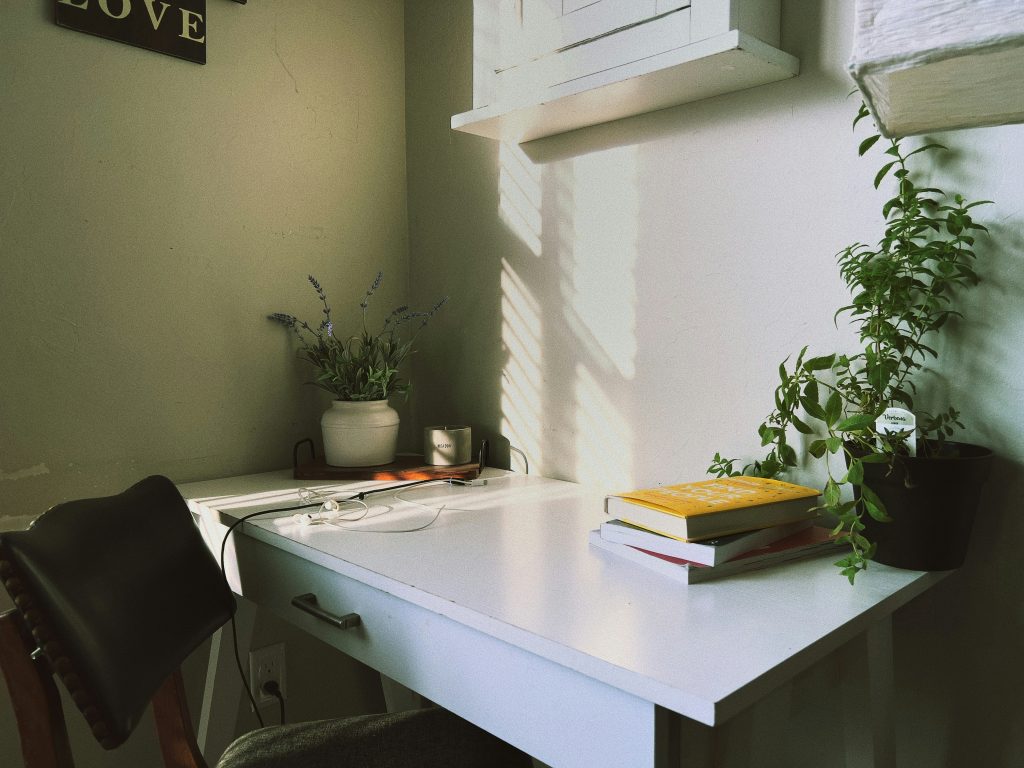
Your brain associates physical spaces with behaviors. A bedroom signals rest. A kitchen signals food. When you create a space that only means “work,” your brain enters work mode faster and stays there longer.
This doesn’t require a separate room. A specific corner of a room, a particular chair, a desk that you only sit at for work — any consistent location with clear boundaries will train your brain over time. See our guide to a distraction-free home office setup for a complete walkthrough of the physical environment. Among all remote work productivity tips, this environmental trigger costs the least and pays off every single day.
2. Start With a Morning Routine
Rolling out of bed and opening your laptop without transition is one of the fastest ways to have an unproductive day. A consistent morning routine creates a structured bridge between sleeping and working — it signals to your mind and body that peak performance is coming.
Even a 20–30 minute routine — movement, a proper breakfast, a clear review of your priorities — transforms your morning energy. Our guide to a morning routine for remote workers covers exactly what to include and how to build one that sticks.
3. Time Block Your Day
A to-do list tells you what to do. Time blocking tells you when. Without time allocation, tasks expand to fill whatever time is available — and urgent interruptions always win over important priorities.
Block time for deep work first, before meetings and communication. Protect your peak focus hours (usually morning) for your most cognitively demanding work. The time blocking method is one of the most powerful remote work productivity tips for protecting your deep work hours.
4. Set Clear Work Hours and Communicate Them
Without a fixed end time, remote work expands indefinitely. Declare your work hours and share them with your team, clients, and household. Set an auto-responder if needed. When work ends, it ends.
This boundary protects your evenings and paradoxically makes your work hours more productive. When you know you only have until 5:30 PM, you use the time differently. Parkinson’s Law states that work expands to fill the time available — a hard stop creates a natural compression that improves focus.
5. Take Real Breaks
“I’ll just keep working through lunch” feels productive. It isn’t. Your brain needs regular rest to maintain performance. Cognitive fatigue is real, and pushing through it produces lower-quality work at a higher cost to your afternoon energy.
Schedule a proper lunch break away from your screen. Take a 10-minute walk after intense focus sessions. In a 2011 lab study in Cognition, Atsunori Ariga and Alejandro Lleras found that people who took two brief breaks from a long, dull task kept their performance steady, while the group that worked straight through declined. It was a short vigilance task, not a workday, but it supports the habit of stepping away. Breaks aren’t a reward for hard work — they’re a tool for it. Scheduling real recovery is one of the most counterintuitive remote work productivity tips — and one of the most effective.
6. Batch Your Communication
Checking email and Slack constantly keeps you in reactive mode and prevents deep work. Instead, designate 2–3 fixed times per day for all communication — for example, 9:00 AM, 1:00 PM, and 4:30 PM. Outside those windows, close your inbox and messaging apps.
This is the communication component of the broader task batching method. Most messages don’t require a response within minutes. Setting and communicating this expectation to colleagues usually takes less than one conversation — and pays dividends in focus for months. Communication batching belongs on every list of genuine remote work productivity tips.
7. Use a Shutdown Ritual
Closing your laptop without a formal shutdown sequence leaves unresolved mental threads running in the background all evening. A 10-minute shutdown ritual — reviewing incomplete tasks, noting tomorrow’s priorities, closing all tabs and apps — gives your brain explicit permission to disengage.
This is one of the most impactful remote work productivity tips because it directly improves your rest. Better rest means clearer thinking the next morning. It’s a compounding habit — the effect grows over weeks.
8. Minimize Your Digital Environment
Your computer desktop, browser tabs, notification settings, and installed apps all compete for your attention. A cluttered digital environment is as distracting as a cluttered physical one. Clean it up:
- Turn off all non-essential notifications
- Use a site blocker during deep work sessions
- Keep your desktop clear — no files, no shortcuts, just wallpaper
- Close every browser tab and app you’re not actively using
9. Invest in Your Physical Setup
Your physical workspace is your equipment. A painful chair, a screen at the wrong height, or poor lighting creates constant physical friction that saps your focus and energy. Small ergonomic upgrades — a laptop stand, an external keyboard, a better chair height — deliver returns every single workday.
If budget is a concern, start with our guide to a home office setup on a budget — the highest-impact upgrades don’t require high spending.

Conclusion
These remote work productivity tips work not because they’re clever, but because they address the real reasons remote workers struggle: lack of structure, reactive communication patterns, no physical boundary between work and rest, and environments that weren’t designed for sustained focus.
Start with the tip that addresses your biggest current friction. Implement it fully before adding the next one. Within a month, your workdays will look different — not because you’re working longer, but because you’re working smarter.
Frequently Asked Questions
What are the biggest productivity challenges for remote workers?
The most common are: difficulty unplugging after work hours, staying motivated without external accountability, dealing with household distractions, and reactive communication habits that prevent sustained deep work. Most of these stem from the absence of the structure an office naturally provides. Applying structured remote work productivity tips directly replaces what that office framework used to handle.
How do I stay focused while working from home?
The most effective combination: a dedicated workspace, a morning routine, time-blocked deep work sessions, and all notifications turned off during focused periods. Remove the option to be distracted before you start, rather than relying on willpower to resist it mid-session. These are the remote work productivity tips that make the biggest difference fastest.
How many hours should a remote worker actually work per day?
Quality matters more than quantity. Most knowledge workers have 4–6 hours of genuine cognitive capacity per day. Working 10 hours and spending 6 of them distracted produces less than working 5 focused hours with proper breaks. Design for output, not hours on the clock.
Is remote work actually more productive than office work?
The research is mixed and highly individual. Remote work removes commutes and many social interruptions, but introduces home-based distractions and isolation. Workers who implement deliberate structure tend to outperform office counterparts. Those who don’t tend to underperform. The structure, not the location, drives the outcome.
How do I separate work and personal life when working from home?
Three physical and temporal boundaries make the biggest difference: a dedicated workspace (not your bedroom or couch), fixed work hours with a hard stop, and a shutdown ritual that formally ends the workday. Without all three, the psychological separation that makes rest actually restorative is very difficult to achieve.
About the author: Alex is a software developer who has worked remotely for three years. He started Deep Focus Daily to document the productivity systems that actually survive real remote work — not the advice written for offices that no longer exist. Learn more about Deep Focus Daily →