
Knowledge workers spend their day bouncing between apps, tabs, and notifications — email, Slack, a browser with a dozen tabs open, a task manager, a calendar. That’s not productivity — that’s fragmentation. Digital minimalism for remote workers is the practice of intentionally reducing your digital tools, notifications, and online behaviors to what genuinely supports your work and life — and ruthlessly cutting everything else.
In this guide, you’ll learn how to apply digital minimalism for remote workers in a practical, sustainable way — without going off-grid or giving up the tools you actually need.
The term was popularized by Cal Newport in his 2019 book Digital Minimalism, where he argues that a small number of carefully chosen digital tools, used deliberately, will outperform a cluttered digital life in both productivity and satisfaction. For remote workers specifically — who live entirely inside their digital environment — this isn’t a lifestyle philosophy. It’s a survival skill.
Quick Overview: Digital Minimalism for Remote Workers in 6 Steps
| Step | What to Do | Impact |
|---|---|---|
| 1 | Audit your apps and tools | Identify what’s actually necessary |
| 2 | Eliminate optional technologies | Reduce background noise immediately |
| 3 | Turn off all non-essential notifications | Eliminate reactive interruptions |
| 4 | Set communication windows | Protect deep work time |
| 5 | Curate your digital environment | Make your workspace calm by default |
| 6 | Reintroduce tools intentionally | Only add back what passes the value test |
Why Remote Workers Need Digital Minimalism More Than Anyone
Office workers have physical and social cues that regulate their digital behavior — a colleague nearby, a meeting room without phones, a commute that creates natural offline time. Remote workers have none of these. Every digital tool is always one click away, every notification is always potentially relevant to work, and the line between necessary digital activity and mindless consumption is permanently blurred.
The result is a workday that feels exhausting but unproductive — constantly busy, rarely doing the deep work that actually matters. Digital minimalism for remote workers fixes this at the root by changing your relationship with technology rather than just adding more tools to manage the ones you already have.
How to Practice Digital Minimalism for Remote Workers: 6 Steps
Step 1: Audit Every App and Tool You Currently Use
List every app, tool, service, and platform you use regularly for work and personal life. Be honest — include social media, news sites, streaming, gaming, all of it. For each one, ask two questions: Does this serve something I deeply value? Is it the best way to serve that value, or am I just using it out of habit?
Most people are surprised by what this audit reveals. Tools accumulated over years without a clear purpose. Apps that felt essential until you stopped using them and noticed no difference. Platforms that serve their own engagement interests, not yours.
Step 2: Do a 30-Day Digital Declutter
Newport’s original prescription is a 30-day period where you remove all optional technologies from your life — not forever, but long enough to reset your relationship with them. “Optional” means anything that isn’t required for your work or essential personal logistics. Keep email for work. Keep the apps your job requires. Remove everything else temporarily.
This sounds extreme. It often reveals that tools you thought were essential are actually just habitual. Many people who do the 30-day declutter find they genuinely don’t miss most of what they removed. That’s data. Use it.
Step 3: Turn Off Every Non-Essential Notification
Go to your phone and computer settings right now and disable every notification that isn’t a direct message or call from a real person you want to hear from. No app badges. No email banner alerts. No Slack sounds while you’re in a focus block. Notifications are designed by teams of engineers whose job is to get you to open apps more frequently. Opt out by default.
Combine this with a good focus app during work sessions for complete control over your attention during the hours that matter most.
Step 4: Set Specific Communication Windows
Checking email and Slack constantly is one of the biggest barriers to deep work for remote workers. Instead of checking constantly, set two or three specific times per day when you process communication — say, 9:00 AM, 12:30 PM, and 4:30 PM. Outside those windows, email and Slack are closed. Not minimized. Closed.
Set an auto-responder or status message that tells people you check messages at specific times. Most communication is less urgent than it feels. And the few things that are genuinely urgent will find another way to reach you.
Step 5: Curate Your Digital Environment
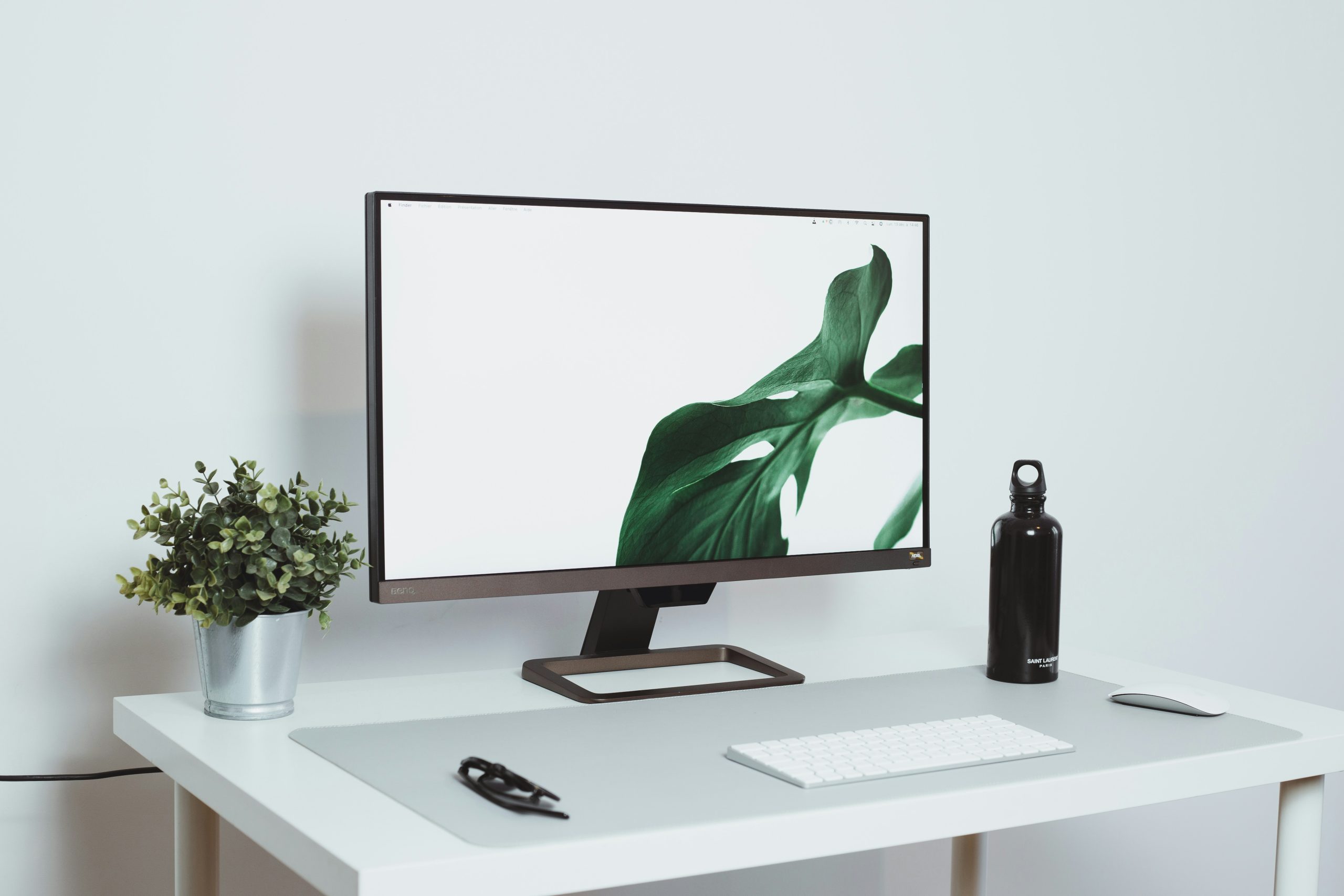
Your browser homepage, your desktop, your phone’s home screen — these are the first things you see when you open any device. Make them calm and intentional. Remove app icons that trigger mindless opening. Use a plain desktop background. Set your browser homepage to a blank page or a productivity dashboard, not a news feed.
A distraction-free home office setup extends this principle from your physical desk to your digital workspace. Both environments shape your behavior more than you realize.
Step 6: Reintroduce Tools Only If They Pass the Value Test
After your declutter period, before reintroducing any tool, it must pass this test: does the benefit it provides substantially outweigh the cost — in attention, time, and distraction potential — it imposes on my life? If the answer isn’t a clear yes, don’t bring it back. Add operating procedures: specific times you’ll use it, specific purposes it serves, specific limits on how much time it gets.

A 30-Day Digital Declutter Checklist
Step 2 works best with a week-by-week structure instead of one big decision on day one. Use this as a starting template and adjust the timeline to fit your own schedule:
- Week 1: Remove. Uninstall or log out of every optional app. Keep only what your job strictly requires — email, your team’s chat tool, your task manager. Write down what you removed so you have a record to work from later.
- Week 2: Notice. Don’t reintroduce anything yet. Pay attention to which removed tools you genuinely reach for out of habit versus which ones you don’t think about at all. A quick note each time you catch yourself wanting to open something is enough.
- Week 3: Define. For each tool you missed, write one sentence describing exactly what value it provides and how you’ll use it going forward — specific times, specific purposes, specific limits.
- Week 4: Reintroduce selectively. Bring back only the tools that pass the value test from Step 6, one at a time, with the operating rules you defined in week three already in place.
Copy this into a note before you start. The structure matters more than the exact dates — what derails most declutter attempts is trying to decide everything on day one instead of spreading the decision across a few weeks of real, observed data about your own habits.
Where Digital Minimalism Falls Short
Digital minimalism isn’t a universal fix, and it’s worth being honest about where it needs adjusting:
- On-call or support roles. If your job genuinely requires being reachable outside normal hours, closing every channel isn’t realistic. Narrow the practice to specific tools and specific hours instead of an all-or-nothing cutoff.
- Team culture mismatch. If your team expects instant replies on Slack, going quiet without discussing it first creates friction that has nothing to do with your focus. Set expectations with your manager or team before changing your response patterns.
- The first week often feels worse, not better. Removing tools you’re used to checking compulsively tends to produce restlessness before it produces calm. That’s a normal reaction to breaking a habit loop, not evidence the approach isn’t working — but it’s worth expecting rather than being discouraged by.
- It doesn’t fix an unmanageable workload. If constant checking is really a symptom of too much work or unclear priorities, no amount of notification discipline solves that underlying problem. Digital minimalism manages your relationship with tools; it doesn’t reduce what’s actually on your plate.
Digital Minimalism for Remote Workers Is a Long Game
Digital minimalism for remote workers isn’t about rejecting technology. It’s about using it on your terms, for your purposes, at times you choose — rather than letting it use you. Start with the notification audit. It takes 10 minutes and the impact is immediate. Then work through the remaining steps at whatever pace feels sustainable. The goal isn’t perfection. It’s a digital life you’ve chosen, rather than one that just happened to you.
Frequently Asked Questions
Do I have to delete social media to practice digital minimalism?
No. Digital minimalism is about intentionality, not abstinence. If social media serves a genuine purpose in your professional or personal life, you can keep it — with defined times and usage rules. The problem is mindless, habitual use, not the platform itself.
How is digital minimalism different from just using fewer apps?
Using fewer apps is a possible outcome, not the goal. Digital minimalism is a philosophy: technology should serve your values, not distract from them. The process involves reflection on what you value, then alignment of your digital tools with those values. It goes deeper than just deleting apps.
Will my colleagues be annoyed if I don’t respond to Slack immediately?
Initially, maybe. Most workplaces have unspoken norms about response times that weren’t explicitly agreed upon. Having a direct conversation about your communication approach — and setting a clear status message — resolves this in most cases. Teams adapt quickly when expectations are set clearly.
Is digital minimalism compatible with a demanding remote job?
Yes, and demanding jobs often benefit most from it. A digitally minimalist remote worker does fewer things, does them more deeply, and produces better output than someone who’s constantly context-switching. The goal is high-quality focus on what matters, not reduced responsiveness to everything.
Where should I start if the 30-day declutter feels too extreme?
Start with notifications. Turn off every non-essential notification on your phone and computer. You’ll feel the effect within hours. Once you’ve experienced what it’s like to control your attention rather than react to it, the rest of the process becomes easier to imagine.
About the author: Alex is a software developer who has worked remotely for three years. He started Deep Focus Daily to document the productivity systems that actually survive real remote work — not the advice written for offices that no longer exist. Learn more about Deep Focus Daily →