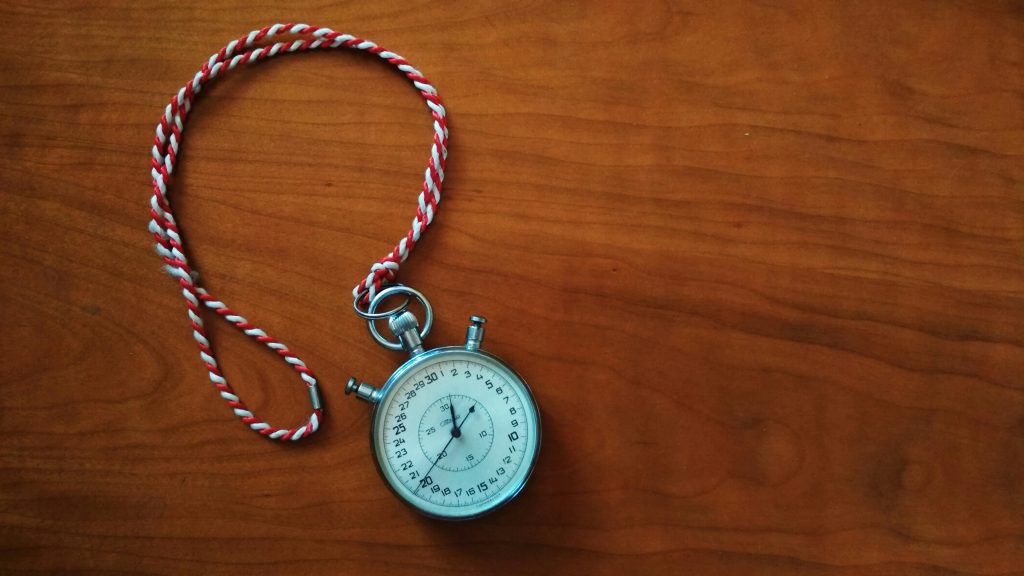
In an office, your time is accounted for by default: you clock in, attend scheduled meetings, and people see you at your desk. Working remotely makes your time invisible. You can finish the day feeling productive or exhausted without knowing where the hours went.
Time tracking for remote workers fixes that by showing where your hours actually go, which is often different from where you think they go. This guide covers five tools remote workers commonly use, plus a practical way to track without turning it into a chore. Prices are what the vendors listed when this was written, so check their sites before you buy.
Quick Overview: 5 Time Tracking Tools
| Tool | Best for | Price |
|---|---|---|
| Toggl Track | Simple tracking, freelancers, all platforms | Free / $9/mo |
| Clockify | Free tracking for individuals and teams | Free (unlimited) |
| Harvest | Tracking plus invoicing | $12/mo per user |
| RescueTime | Automatic passive tracking, self-awareness | Free / $12/mo |
| Timely | AI-assisted automatic time memory | $9/mo per user |
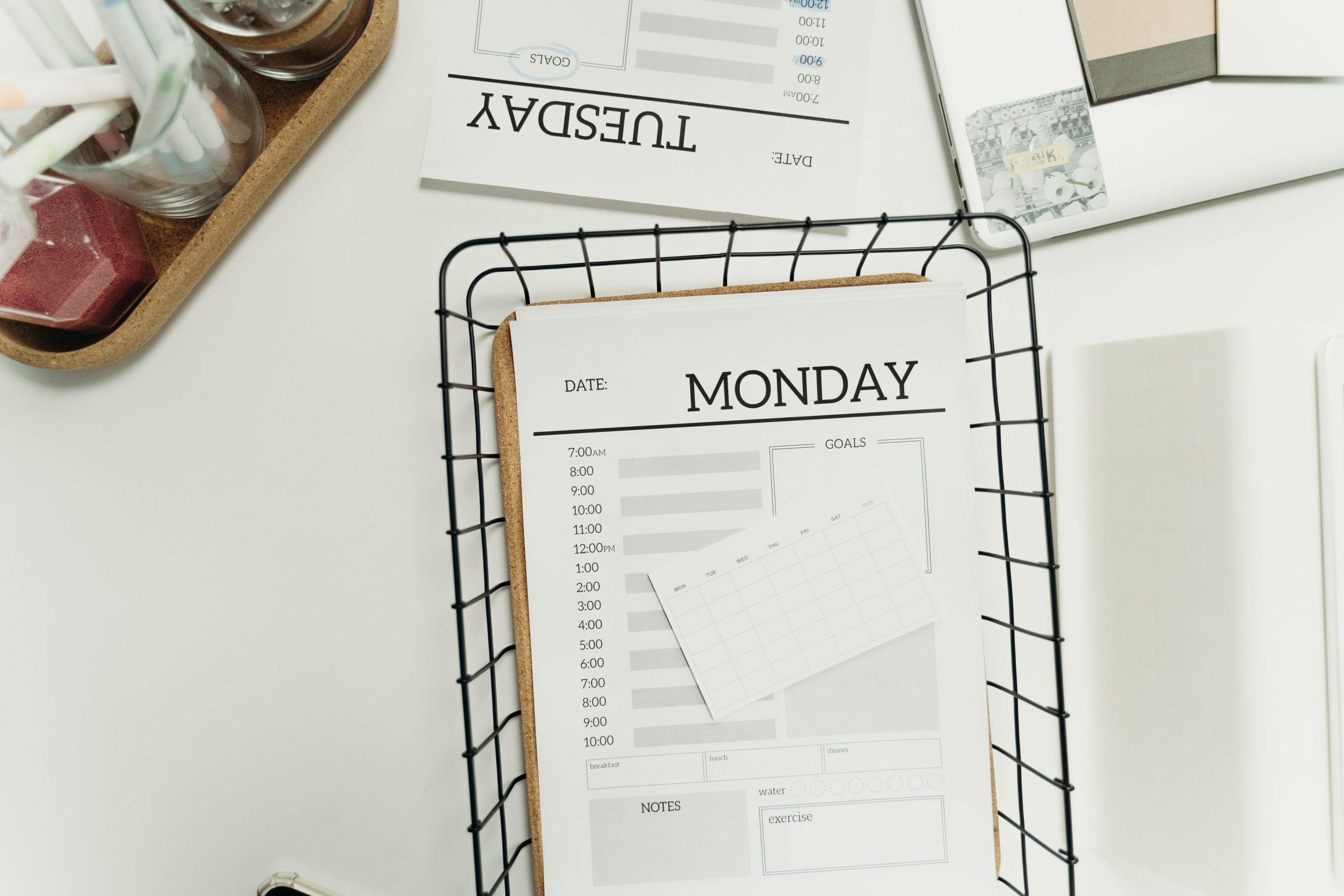
Why Track Your Time at All?
Most people misjudge how long their work takes, and remote workers have less outside structure to correct them. Tracking replaces guesses with data. The purpose depends on your situation:
- Freelancers and contractors: accurate billing, scope protection, and clear client communication
- Salaried remote workers: personal productivity analysis and spotting where time leaks
- Managers: team visibility and project cost estimates
- Anyone: understanding where the day goes before trying to change it
Which Tool Fits You? A Quick Decision Guide
- You’ve never tracked time: start with Toggl Track or Clockify. Both are free and take minutes to set up.
- You bill clients by the hour: Harvest, because the hours turn into an invoice.
- You forget to start timers: RescueTime or Timely, which record in the background.
- You have a team and no budget: Clockify.
- You just want to know where the week went: skip the tools for now and run a one-week time audit with a notebook.
The 5 Tools
1. Toggl Track: Best for Simplicity
Toggl Track keeps tracking straightforward. Start a timer with one click, add a description and project tag, and stop it when you’re done. The low friction is what makes it stick as a habit.
It works across browser, desktop, and mobile, with integrations for tools like Asana, Trello, and Linear. Reports show time by project, client, or date range. The free plan covers most individual needs, so it’s the first tool to try if you’ve never tracked before.
Best for: freelancers, solo remote workers, beginners
Free plan: unlimited time entries, up to 5 projects
Starter: $9/month per user for unlimited projects and timeline view
2. Clockify: Best Free Option for Teams
Clockify offers unlimited users, projects, and tracked time on its free plan. For a small remote team that needs basic visibility without a tools budget, that’s hard to beat.
The interface is less polished than Toggl’s but functional, with timesheet and calendar views and reports for individuals and managers. Paid plans add features such as GPS tracking, kiosk mode, and payroll integration, which matter mainly for teams with complex needs.
3. Harvest: Best for Freelancers Who Invoice
Harvest connects time tracking to invoicing. Once a project is tracked, you can generate a client-ready invoice from those hours, which saves the step of copying time into another tool.
It also tracks budgets per project: set a time or dollar budget and get alerts as you approach it, which helps catch scope creep before it becomes a billing dispute. It integrates with QuickBooks, Stripe, PayPal, and most major project management tools.
4. RescueTime: Best for Passive Tracking
The other tools need you to start and stop timers. RescueTime runs in the background and logs which apps and websites you use and for how long, with no manual input.
The result is a blunt picture of your digital habits, and email, social media, and casual browsing often take more time than people expect. The premium version adds a focus mode that blocks distracting sites, similar to the tools in our guide to the best focus apps to block distractions. The trade-off: it tracks apps, not intent, so it can’t tell research from procrastination on the same website.
5. Timely: Best for AI-Assisted Tracking
Timely records what you work on during the day and shows it as a memory timeline that you review and confirm. It sits between RescueTime’s fully automatic approach and Toggl’s manual timers.
It suits people who work across many projects and find starting timers disruptive. The confirmation step takes discipline: if you never review the timeline, the data isn’t reliable.
How to Make Tracking a Sustainable Habit
Most people quit because tracking feels like overhead on an already full day. Reduce the effort and it’s easier to keep going:
- Start the timer before the work. Logging after the fact is the main source of friction and inaccuracy.
- Use the browser extension. Toggl and Clockify both let you start timers from inside other tools.
- Review weekly, not daily. Weekly reports show patterns; daily ones mostly create anxiety.
- Link time to tasks. Tracking against a named task is more useful than logging “work.”
Tracking pairs well with the task batching method: when you already work in dedicated blocks, starting one timer per batch takes almost no extra effort. For tools that integrate with most trackers here, see the best task management apps for remote workers.
What to Do With the Data
Tracking only helps if it changes a decision. After two weeks, sit down for 20 minutes with your report and answer these questions:
- Which three activities took the most time, and were they the ones that matter most?
- How many uninterrupted stretches of 60 minutes or more did I get each day?
- Which tasks took much longer than I estimated? Use that gap to make better estimates next time.
- Which recurring meetings or admin chores could be shortened, batched, or dropped?
- What one change will I test next week?
Pick one change only. If long focus stretches are rare, protect a daily block with a deep work schedule. If estimates are the problem, track the same kind of task for another two weeks before drawing conclusions.
Where to Start
Time tracking isn’t surveillance or micromanagement. It’s clarity. Start with Toggl Track, use it for two weeks without analyzing anything, and then look at the data. What you find will tell you where to focus your remote work productivity improvements.
Frequently Asked Questions
Do remote workers need to track their time?
Freelancers and contractors who bill clients should, because it’s both professional and protective. Salaried workers can use it voluntarily as a self-awareness tool. Even two weeks of honest tracking tends to reveal patterns.
What is the best free time tracking app?
Clockify’s free plan is the most generous, with unlimited users, projects, and entries. Toggl Track’s free plan works well for individuals, and RescueTime has a useful free tier for passive tracking.
How accurate is time tracking?
Manual tracking is as accurate as your habits: if you start and stop timers consistently, the data is reliable. Automatic tracking captures everything but needs review to categorize it correctly. Combining background tracking with manual project tags tends to work best.
How should I organize tracking by project?
Create projects for your main clients or work areas (Client A, Internal, Admin) and add tags for specific activities. Keep it simple. Too many categories kills the habit, so start with three to five top-level projects.
Will my employer see my time tracking data?
Only if you share it or use a team account they administer. Personal accounts stay private unless you export or share reports. Read your tool’s privacy policy to confirm how data is stored and who can access it.
Should managers track their team’s time?
Only with a clear purpose and the team’s knowledge. Tracking to bill clients or plan capacity is reasonable. Using it to monitor every minute tends to damage trust and rarely improves output. Share the reports with the people being tracked and agree on what the data will be used for.
About the author: Alex is a software developer who has worked remotely for three years. He started Deep Focus Daily to document the productivity systems that actually survive real remote work — not the advice written for offices that no longer exist. Learn more about Deep Focus Daily →